

Your SMM panel, inside Telegram
Connect your own bot from @BotFather and your customers can follow their orders, check their balance and open your whole panel without leaving Telegram. Your team gets live stats and one-tap payment approvals.
What the bot does
It is your bot, with your name and avatar. Customers never see the platform.
Mini App storefront
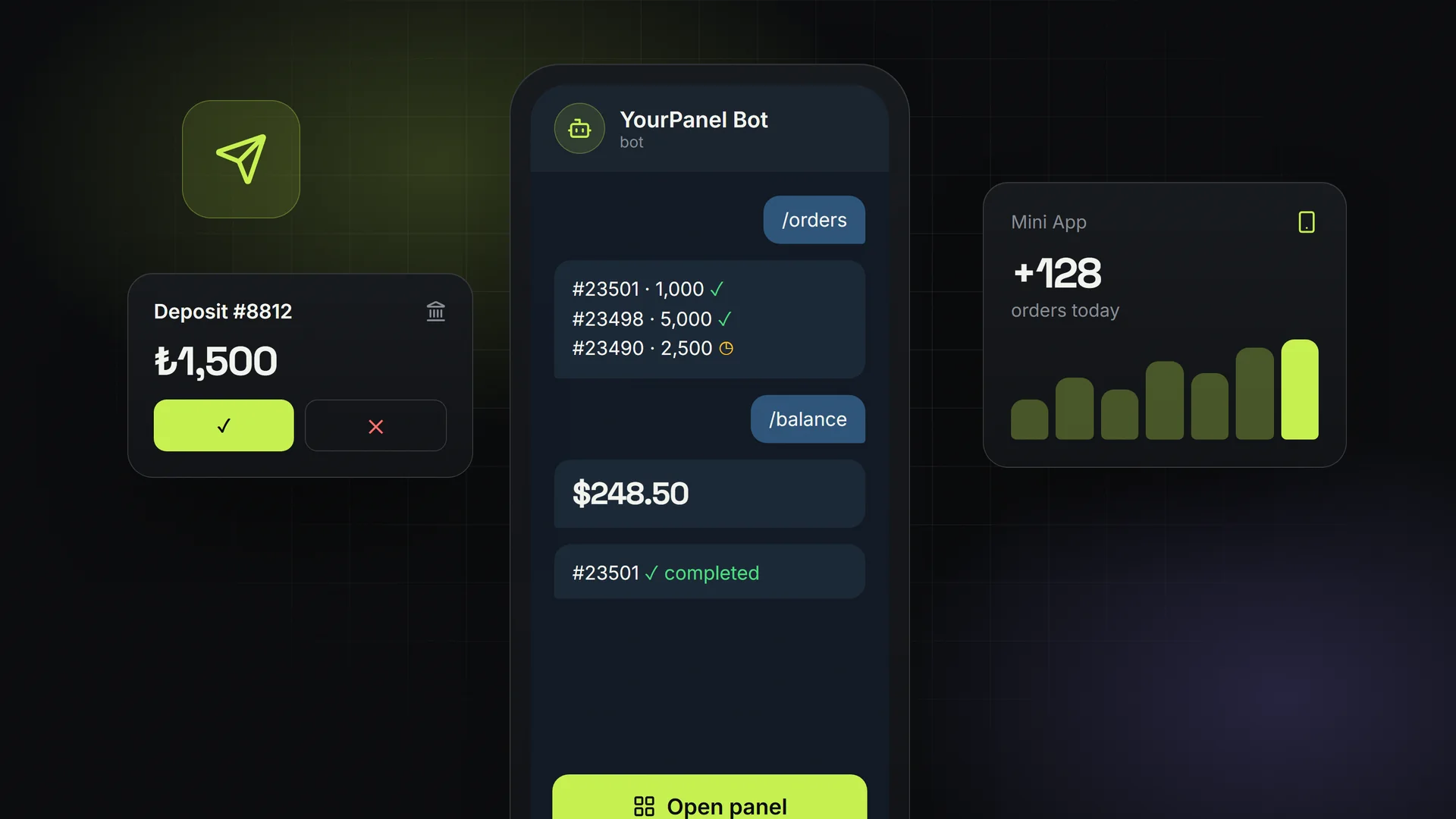
The bot's menu button opens your panel inside Telegram. Telegram signs the session, so a linked customer is logged in automatically and can order, top up and open tickets.
Order notifications
Customers link their account once with “Connect Telegram” and receive a message when an order completes, is partially delivered or is cancelled.
Balance & order lookups
/orders lists the latest orders with their status and /balance shows the current balance. /stop turns notifications off.
Admin stats
Add your own chat as an admin chat and use /stats for today's orders, sales, profit and new customers, /pending for orders awaiting approval, waiting manual payments and open tickets, and /balance for provider balances.
One-tap payment approval
Bank transfer and other manual payments arrive with Approve / Reject buttons, so you can credit a customer from your phone in seconds.
Verified webhooks
Updates arrive by webhook and are checked against Telegram's secret header, so nobody can fake messages to your bot.
Set it up in five minutes
- 1
Create a bot
Open @BotFather in Telegram, send /newbot and copy the token it gives you.
- 2
Paste the token
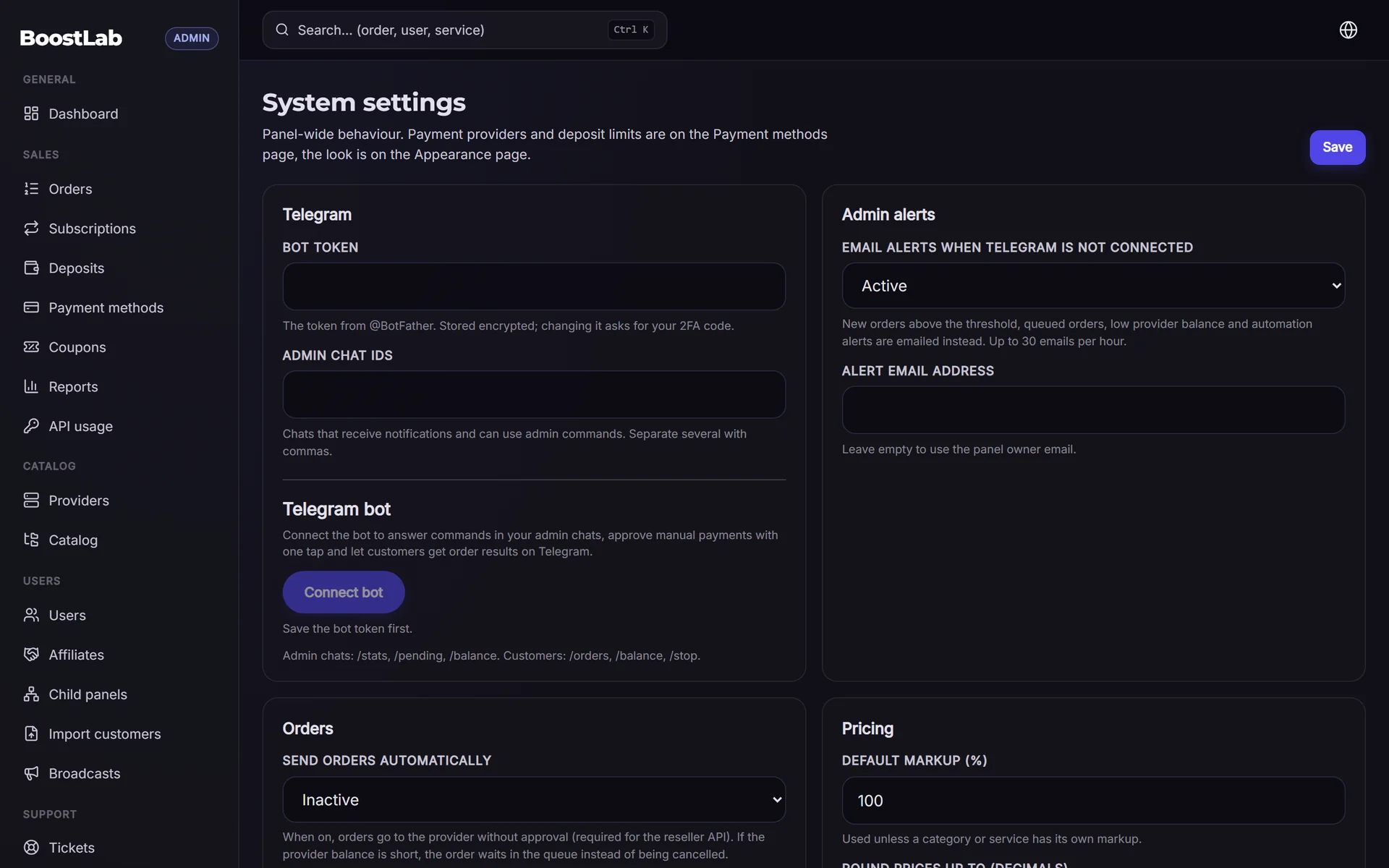
In your panel's admin area open Settings and paste the token. The webhook and the Mini App menu button are configured for you.
- 3
Add your admin chat
Enter your Telegram chat ID as the admin chat in Settings to receive stats, alerts and payment approvals.
- 4
Tell your customers
Customers press “Connect Telegram” in their account. From then on they get updates and can open the panel from the bot.
Why Telegram matters for an SMM panel
Most SMM resellers already live in Telegram: that is where they talk to providers, buy services in bulk and announce new prices. A panel that works inside Telegram removes the last reason to switch apps, and order updates in a chat are read far more often than emails.
The Mini App is not a separate product to maintain. It is your real panel, with the same services, prices, payment methods and design, opened in Telegram's in-app browser and signed in automatically.
Telegram bot FAQ
Do I need my own bot?
Yes. You create it for free with @BotFather, so the bot carries your brand and you keep full control of it.
Can customers place orders through the bot?
Customers order through the Mini App, which opens your full panel inside Telegram. The chat commands are for notifications, balance and order lookups.
Which plans include the Telegram bot?
The Telegram bot is a plan feature. The pricing page shows which plans include it; every plan starts with a 3-day free trial and a $1 first month.
Does it work with child panels?
Child panels are separate panels with their own settings, so each child panel owner can connect a bot of their own.
From the blog
Related
Sell SMM panels to your own resellers
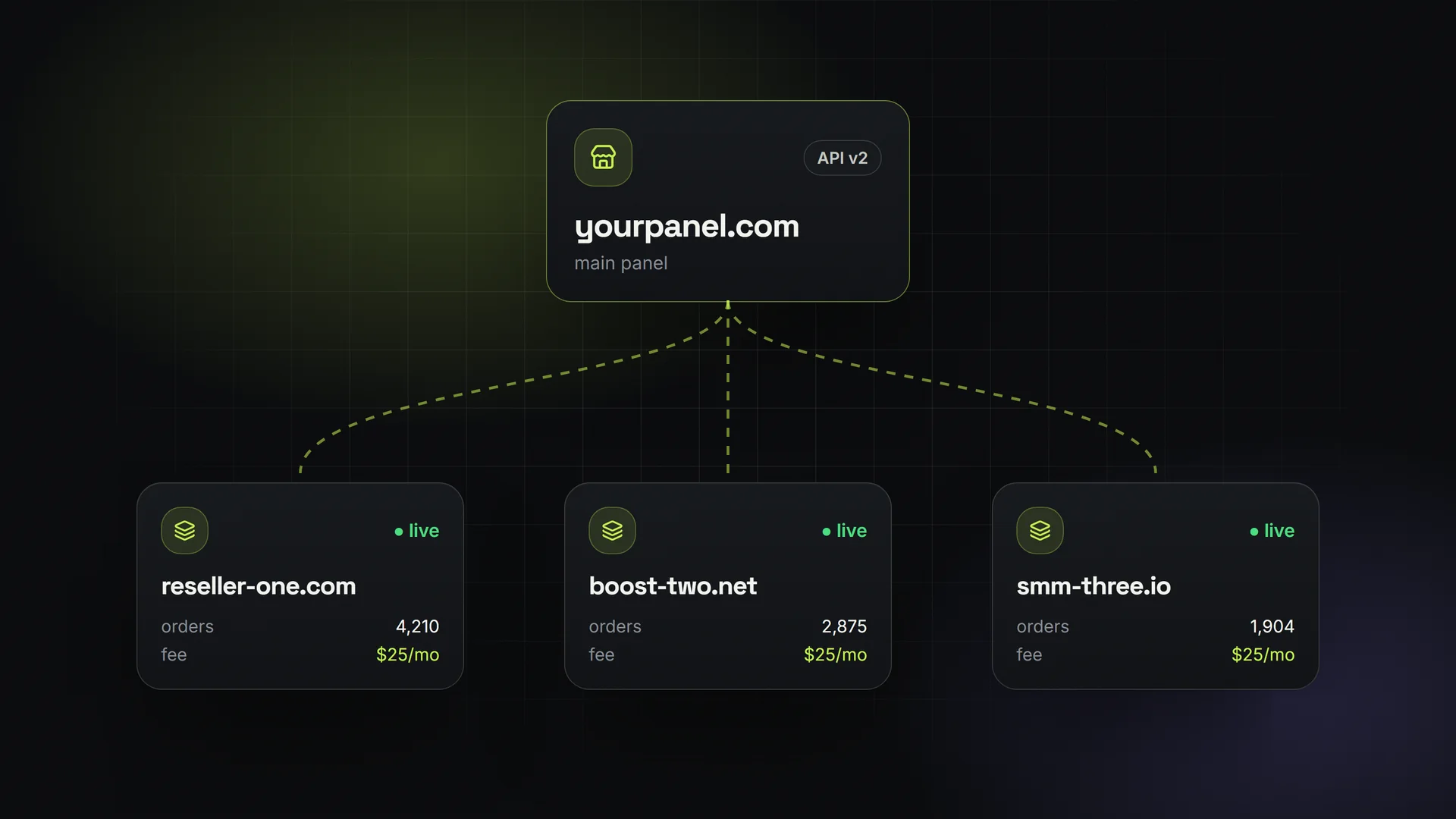
Resellers buy a ready panel from your site; their orders flow to you through API v2.
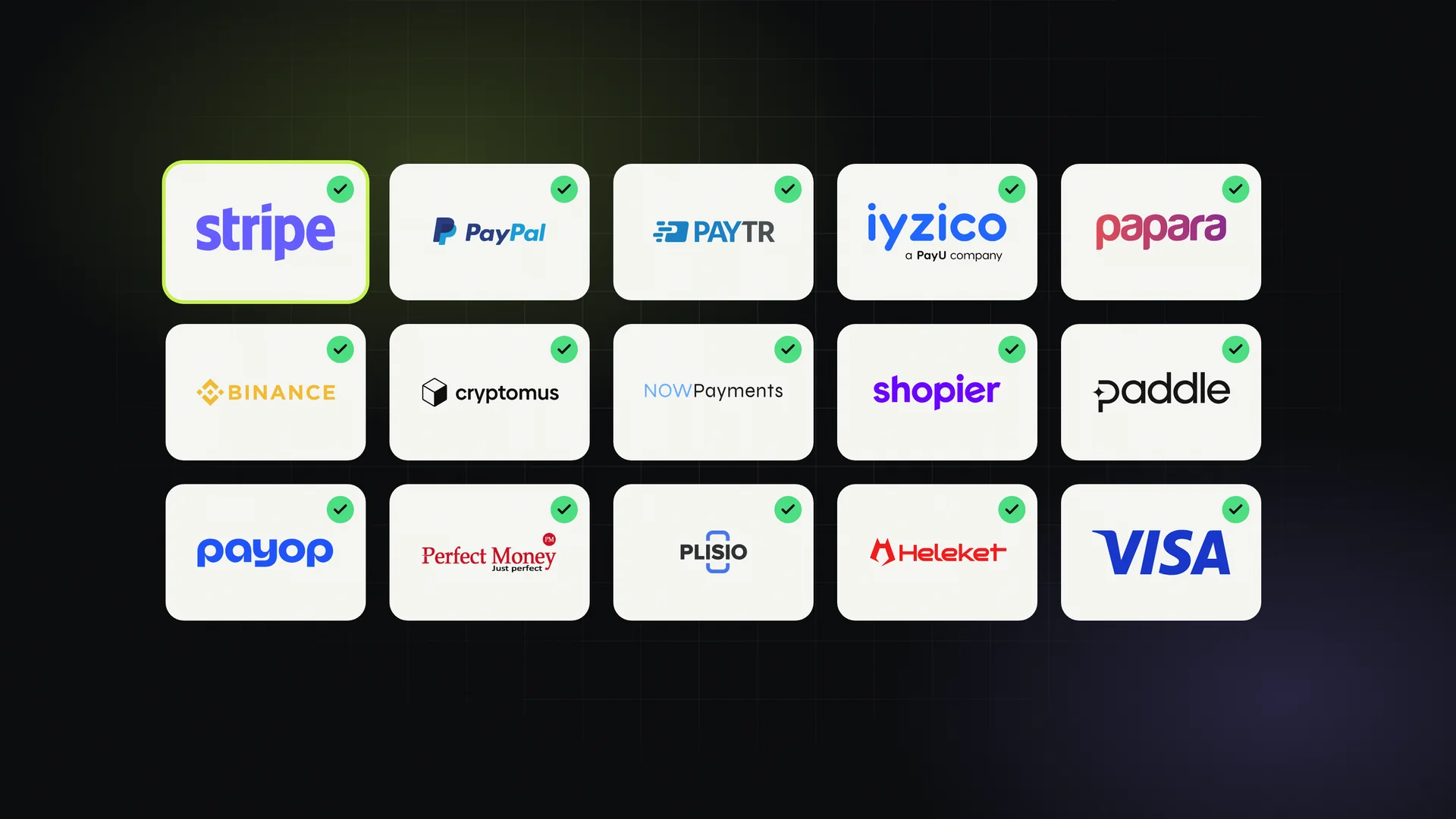
17+ payment gateways, ready to switch on
Cards, wallets, crypto and local methods; customers top up, balances credit automatically.
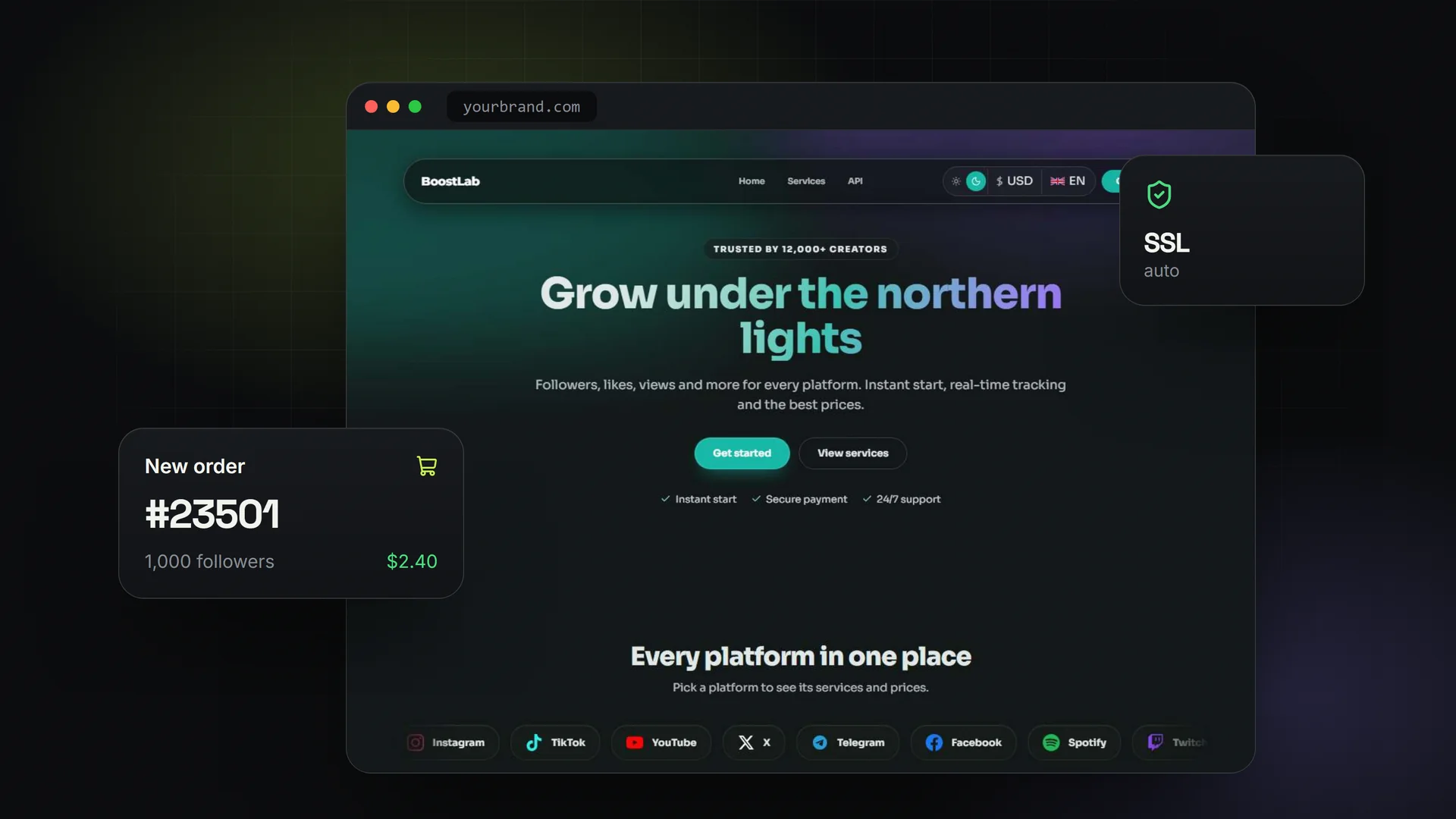
Rent an SMM panel that's ready to sell today
A white-label SMM panel on your own domain, live in minutes, flat monthly price.
Launch a panel your customers can use from Telegram
3-day free trial, then $1 for the first month.
Start free trial