
$1 Child Panel vs SMM Panel: Which Should You Start?
A neutral comparison of child panels and full SMM panels, when each makes sense, and how to test a full panel for a $1 first month before deciding.
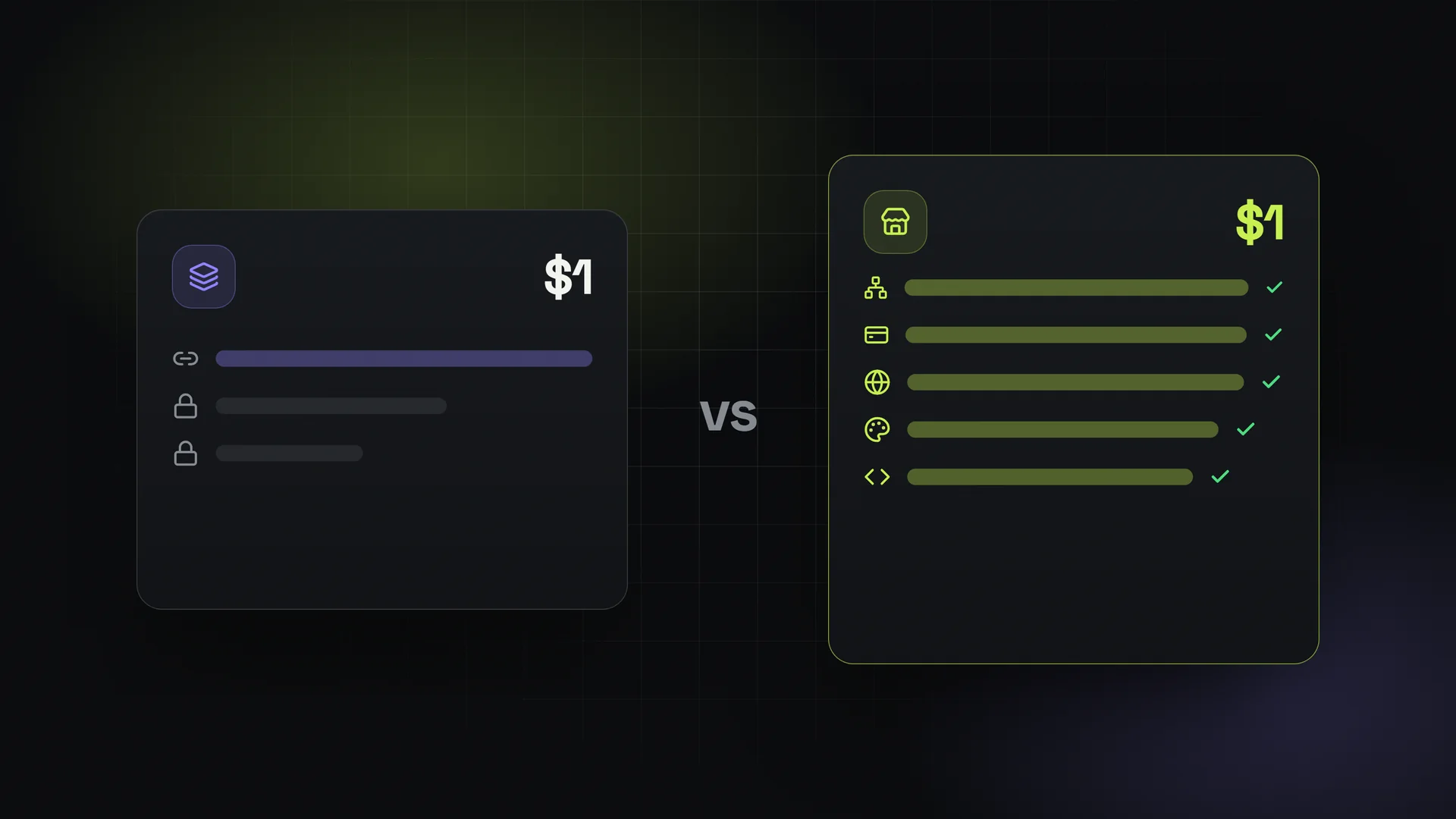
If you are looking for a $1 child panel or a cheap child panel, you are probably at the same decision point many new resellers reach: do I take the quick, low-cost route of selling someone else's catalogue, or do I run my own full SMM panel?
Both are legitimate options. They suit different goals. This guide explains the difference plainly, compares them side by side, and shows how to test a full panel for about the same money as a cheap child panel before you commit to either.
What is a child panel?
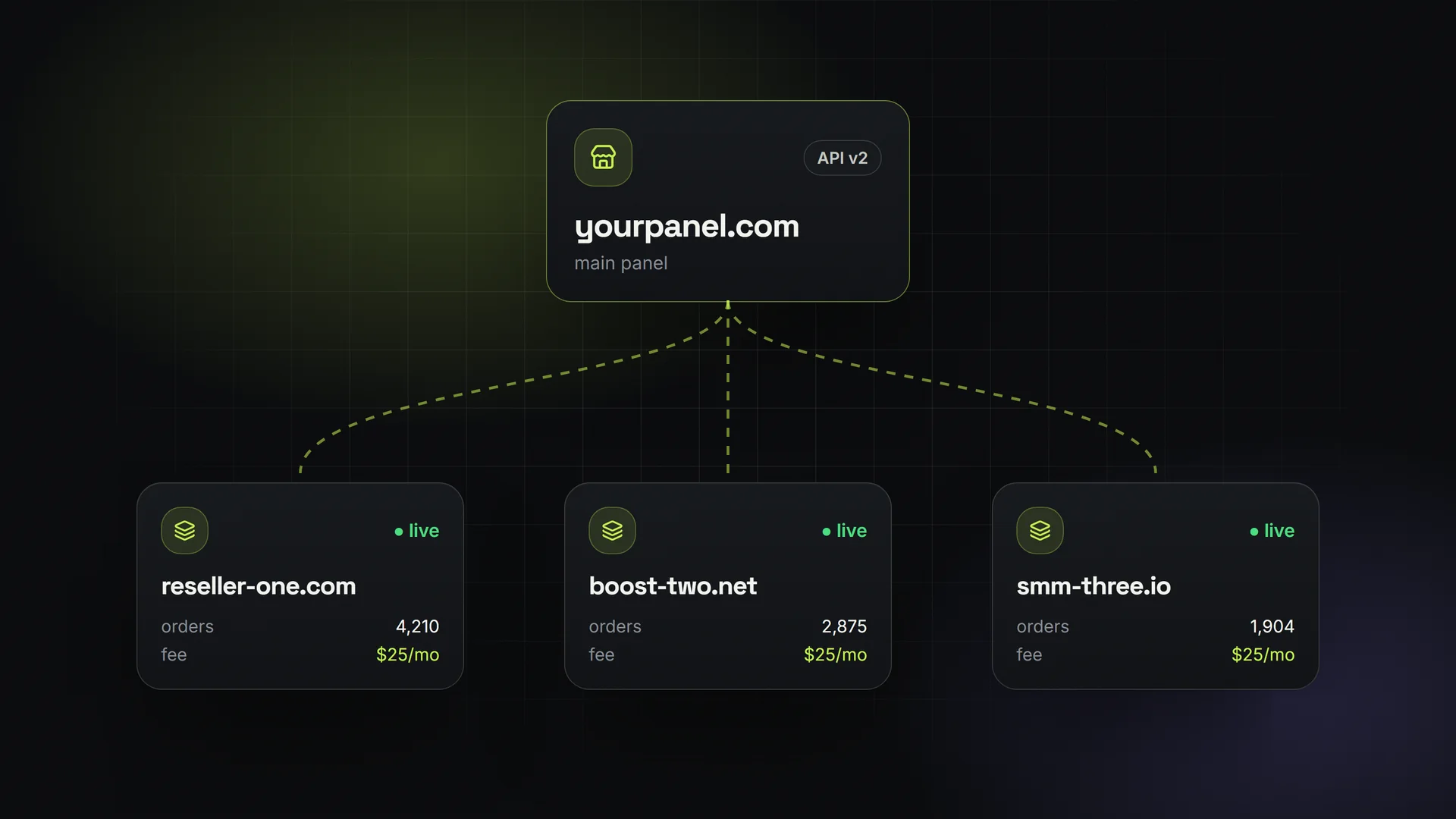
A child panel is an SMM panel that runs on top of another panel, called the parent panel. You get your own storefront, your own customer accounts and usually your own name or domain. Behind the scenes, every order your customers place is forwarded to the parent panel.
The key characteristics:
- One source of services: you can only sell what the parent panel offers. The parent is your only provider.
- The parent sets your cost: you buy at the parent's price (often its reseller or retail rate) and add your markup on top.
- Limited control: depending on the parent, you may not be able to add other providers, choose all payment methods, or change how services are delivered.
- Low entry cost: child panels are usually cheap per month and fast to open.
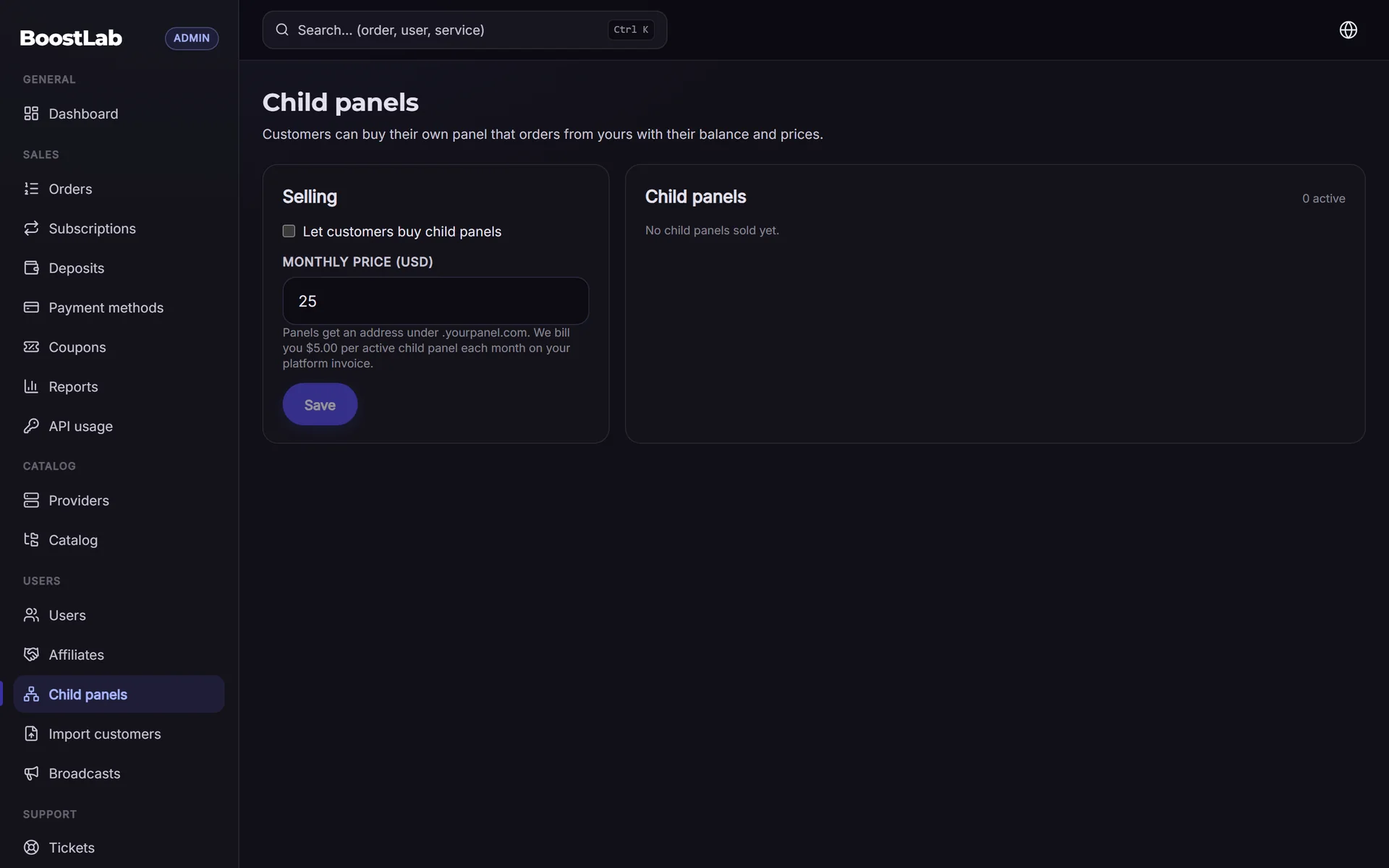
For a deeper look at how they work technically, see child panels.
What is a full SMM panel?
A full panel is a standalone panel that you control. You choose where your services come from and how you get paid.
- Your own providers: connect any provider that offers a standard SMM API v2, and use more than one if you like. Services sync automatically.
- Your own payment gateways: customer money goes straight to your accounts.
- Your own prices: you set markups per service or category based on your real provider costs.
- Your own domain and brand: a storefront that is fully yours, with free SSL.
- Your own resellers: you can offer child panels to others, so they order from your panel.
The trade-off has traditionally been cost and effort: a full panel used to mean buying a script and running a server. Hosted rental removes the server work, which narrows the gap.
Child panel vs SMM panel: side-by-side
| Child panel | Full SMM panel | |
|---|---|---|
| Where services come from | Only the parent panel | Any API v2 provider(s) you choose |
| Who sets your cost | The parent panel | Your providers; you can compare and switch |
| Payment gateways | Depends on the parent's setup | Your own accounts (for example 17+ options incl. Stripe, PayPal, crypto, PayTR, iyzico, Papara, Shopier) |
| Pricing control | Your markup on top of the parent's price | Full control per service and category |
| Domain and branding | Usually your name or domain | Your own domain with free SSL |
| Selling to resellers | Usually not possible | You can run your own child panels |
| If your source has problems | You depend on the parent to fix it | You can switch or add providers |
| Typical monthly cost | Low | Higher (with the offer below: first month $1, then the plan price) |
| Setup effort | Very low | Low on a hosted platform; high with a self-hosted script |
When a child panel makes sense
A child panel is a sensible choice when:
- You already trust one parent panel and its catalogue covers what your customers want.
- You want the smallest possible effort: no provider research, no price comparisons.
- You are testing whether you can sell at all and do not mind thinner margins while you learn.
- Your volume is small, so the margin difference is a few dollars rather than a meaningful amount.
The main risk is dependency. If the parent changes prices, removes services or has downtime, your business changes with it, and you have no other source.
When a full panel makes sense
A full panel is usually the better fit when:
- You care about margin: buying from providers directly (or comparing several) often gives you a lower cost per service than buying through someone else's panel.
- You want to choose payment methods: for example, local Turkish options for customers in Turkey and crypto or cards for international ones.
- You want to build a brand that is not tied to another panel's decisions.
- You plan to have resellers of your own, through child panels or the API.
- You want redundancy: if one provider has issues with a service, you can route that service to another.
The main downside is that you have more decisions to make: which providers, what prices, which gateways. A hosted platform handles the software side, but the business decisions are yours.
Compare without risk: a full panel for $1
Price is usually the reason people choose a child panel over a full panel. That gap is smaller than it looks if you start on a hosted platform.
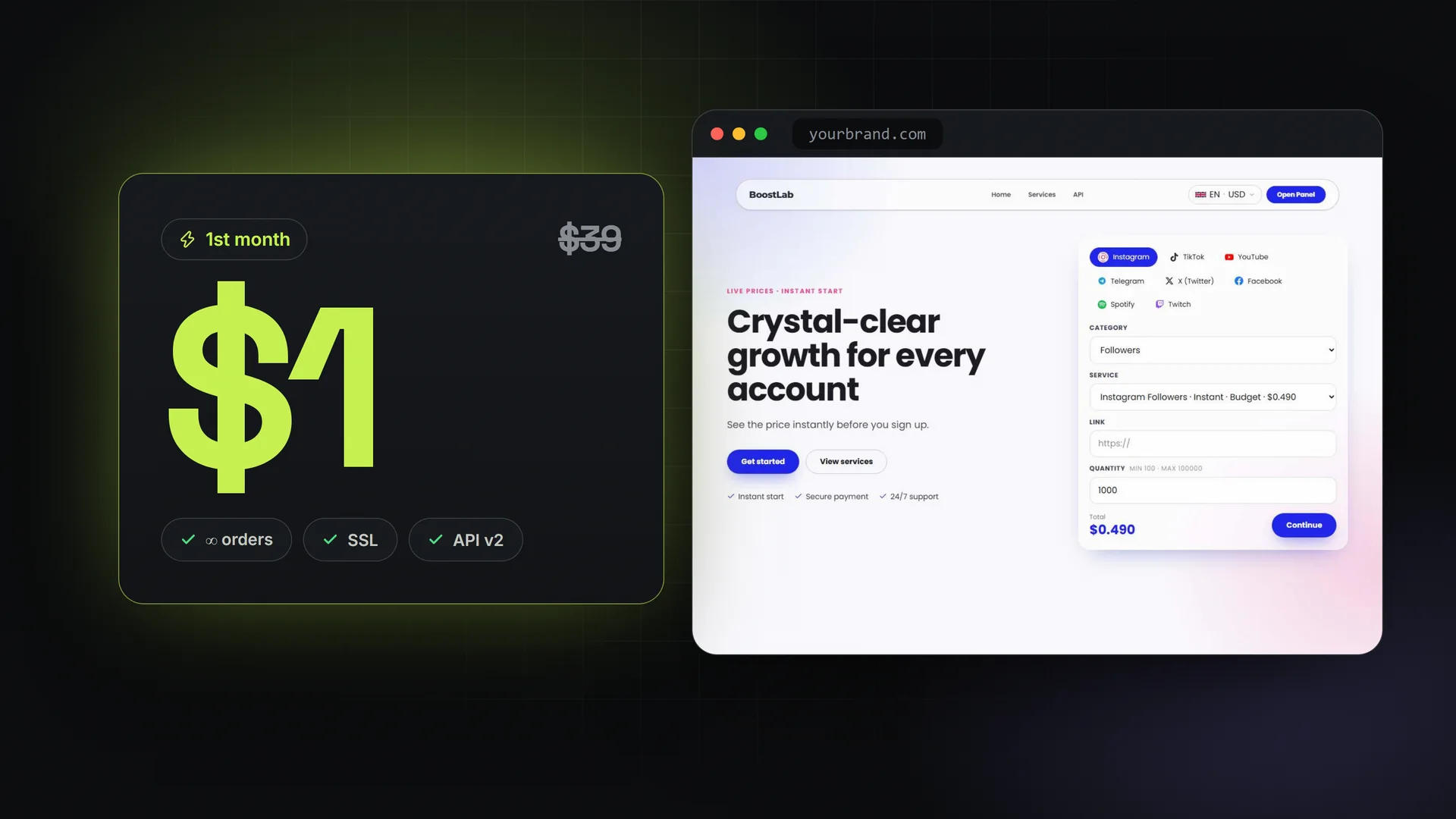
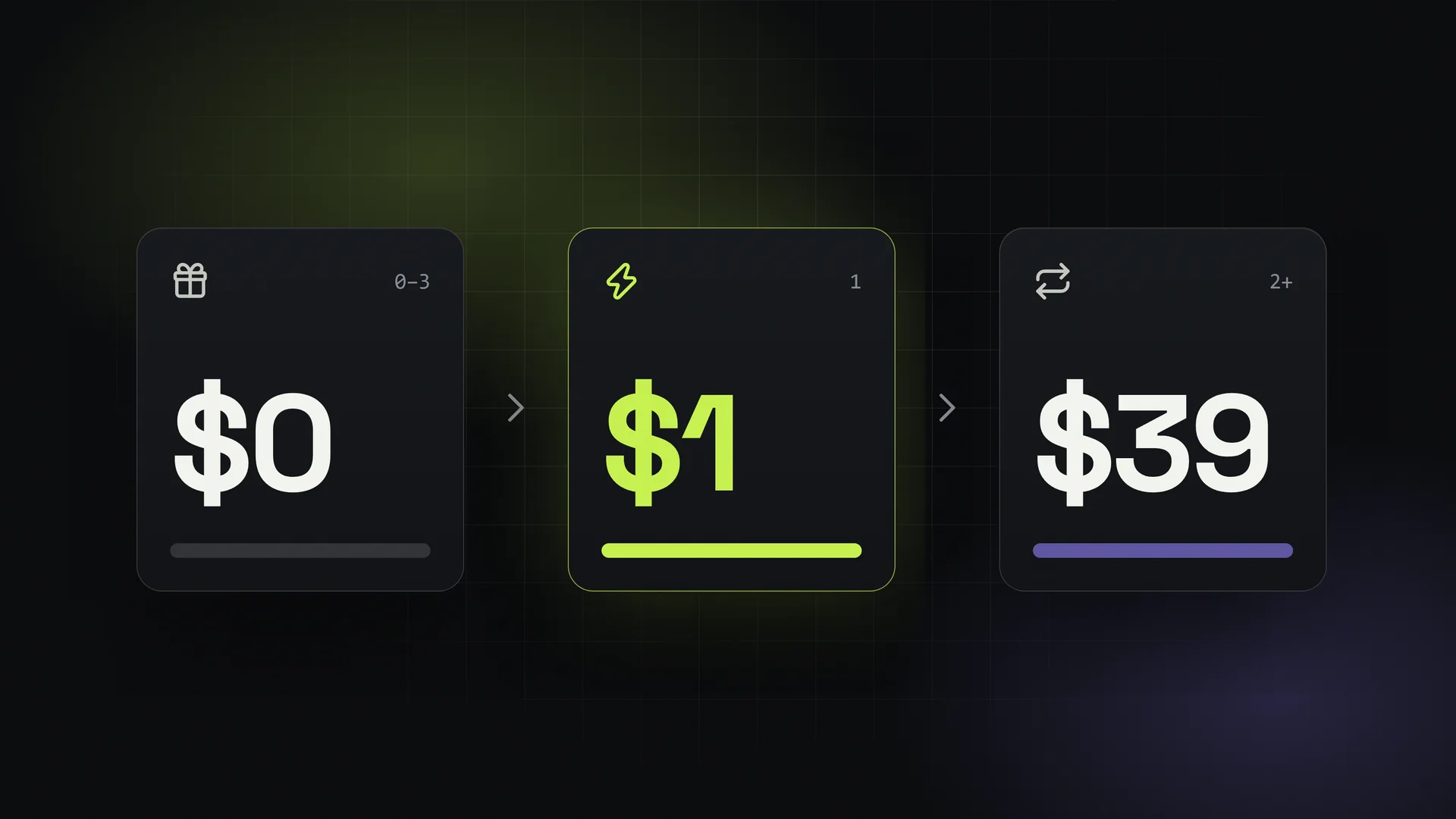
On SMMFor, your first panel can start with a 3-day free trial with all features of the chosen plan. If you continue, the first month is $1 on any plan. From the second month, the plan's normal flat monthly price applies (see pricing). The offer covers your account's first panel; additional panels are billed normally from the start. You can cancel any time, and cancelling during the trial costs nothing.
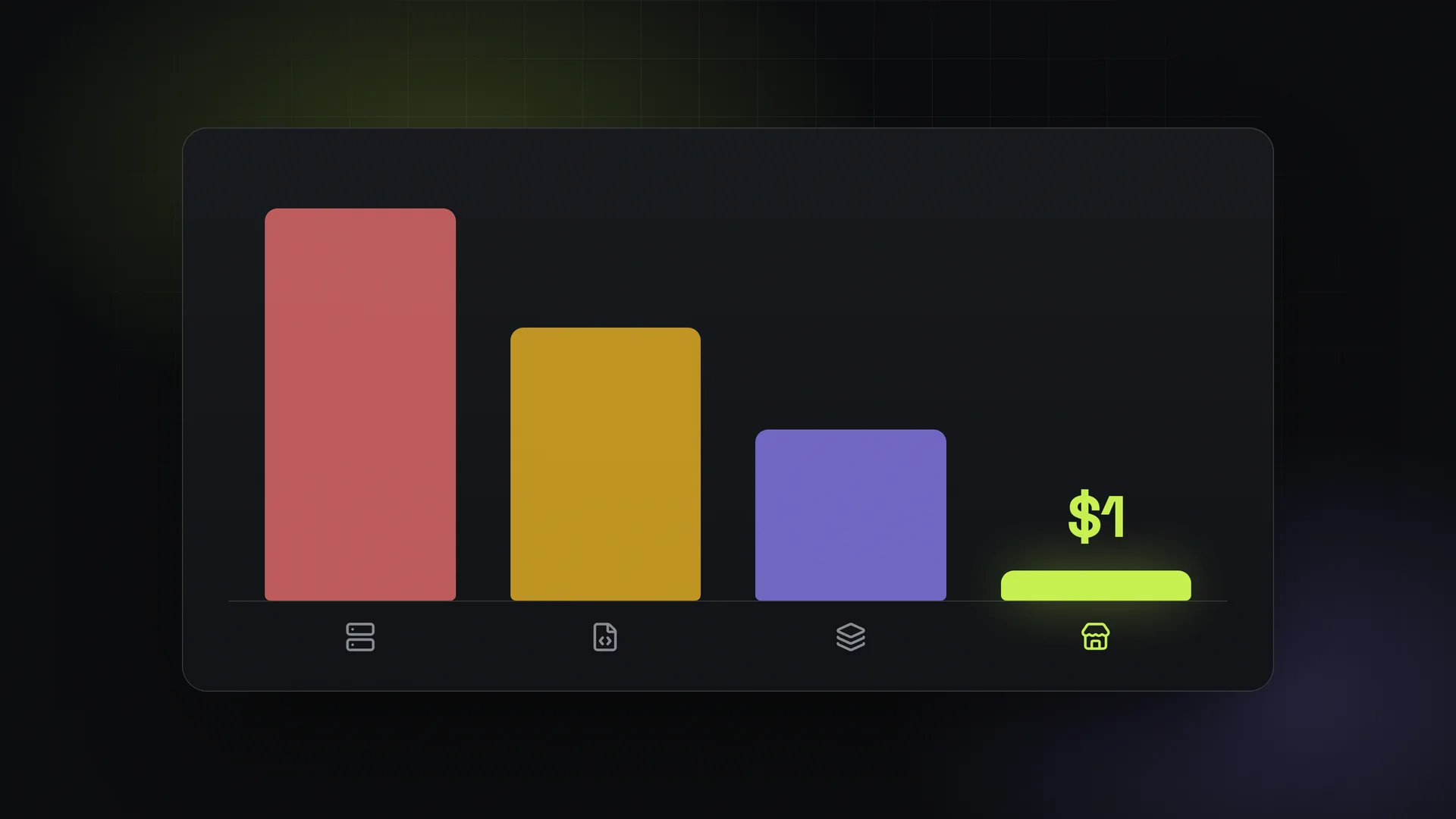
That means you can run a real full panel, with your own providers and gateways, for roughly the price of a cheap child panel for the first month, and compare the two with real numbers:
- Note your current cost per service on your child panel (or the parent's listed prices).
- In the trial, connect a provider via API v2 and compare cost for the same services.
- Set your prices and use the profit calculator to compare margin per order.
- Connect the payment method your customers prefer and run a small test deposit.
- Decide with real data: stay on the child panel, move to a full panel, or run both for a while.
For an overview of the offer itself, see the $1 SMM panel page.
Can you have both?
Yes. Some owners keep a child panel while they build a full panel, then move customers over gradually. Others run a full panel and sell child panels to their own resellers. On a hosted full panel, a child panel created under your panel uses your panel as its only provider, which is exactly the parent-child model described above, with you as the parent.
FAQ
Is there a $1 child panel?
Child panel prices depend on the parent panel offering them. What SMMFor offers is a $1 first month on a full panel (after a 3-day free trial), so you can compare a full panel with a child panel at a similar entry cost.
What is the difference between a child panel and an SMM panel?
A child panel sells only one parent panel's services at a cost the parent sets. A full SMM panel connects to providers you choose, uses your own payment gateways, and lets you set all prices and use your own domain.
Is a child panel cheaper?
Usually per month, yes. But your cost per service is set by the parent, so margins are often lower. Over time, a full panel can earn more per order.
Can I switch from a child panel to my own panel later?
Yes. You can open a full panel, connect your providers and gateways, and move customers when you are ready. Account balances and customer lists do not move automatically between different platforms, so plan the switch.
What happens after the $1 month?
Your panel continues on the plan you chose at its normal flat monthly price, with unlimited orders and no commission on sales. You can cancel any time, and you can start the trial here.