
Drip-Feed, Refill and Cancel in SMM Panels Explained
A practical guide to drip-feed runs and intervals, refill guarantees, cancels, partial refunds and SMM panel order statuses, with SMM API v2 examples.
If you run or resell through an SMM panel, three words come up in almost every support ticket: drip-feed, refill and cancel. Add order statuses like Partial and Processing to that and you have most of the questions new customers ask.
This guide covers what each term means, how they connect to refunds, and how the standard SMM API v2 exposes them, so you can explain them to customers and automate them properly.
What does drip-feed mean in an SMM panel?
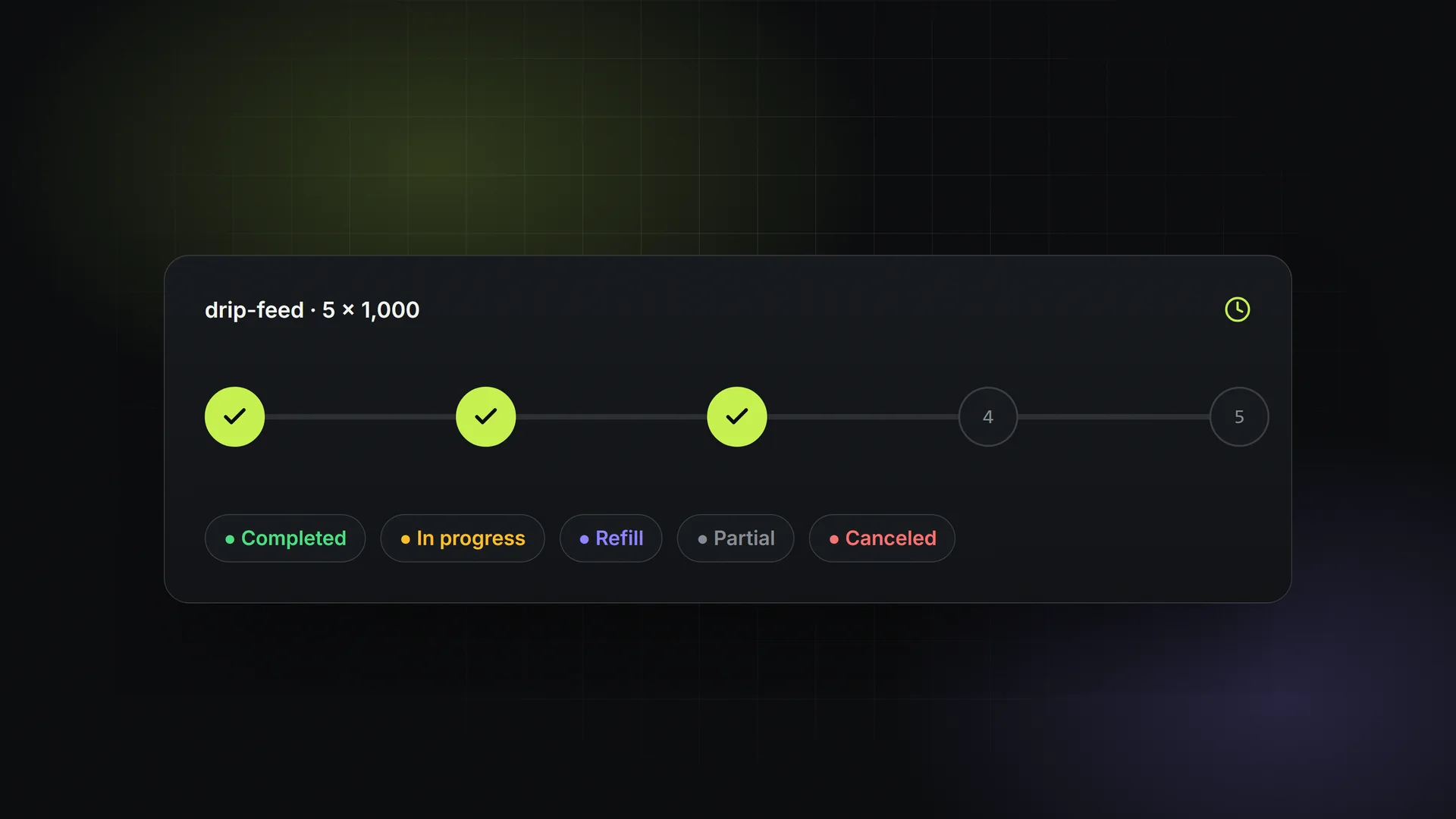
Drip-feed splits one order into smaller deliveries spread out over time. You don't send 5,000 likes to a post in one go. You send 500 likes every 30 minutes, ten times.
Two parameters control it:
- Runs: how many separate deliveries the order is split into.
- Interval: how many minutes the panel waits between runs.
On most panels following the common API convention, the quantity you enter is per run, so the total delivered is quantity × runs. A drip-feed order with quantity 500, runs 10 and interval 30 delivers 5,000 units over about 4.5 hours (nine gaps of 30 minutes after the first run). Some panels display or calculate this differently, so always check the service description and the order form preview before placing a large order.
Why people use drip-feed
- More natural-looking growth. Engagement that arrives gradually looks less abrupt than a single spike.
- Spreading engagement across a post's lifetime. For example, views or likes trickling in during the first day after publishing.
- Working within provider limits. Some services have a maximum per order. Drip-feed lets a customer reach a bigger total with one order.
Drip-feed caveats
- Only services marked as drip-feed capable accept
runsandinterval. Sending them to other services usually returns an error. - Each run is effectively a child order placed with the provider. If one run fails or is partial, the parent order can end up Partial.
- The customer is normally charged for the full total when the order is placed. Undelivered runs are refunded if the order is canceled or ends as partial.
What is refill in an SMM panel?
Followers, likes and subscribers can drop after delivery. Platforms remove accounts, run cleanup sweeps, or users unfollow. Refill means the provider tops the count back up to the delivered amount, free of charge, within a stated guarantee period: commonly 30 days, sometimes longer, sometimes "lifetime" (which in practice means "while the provider still offers the service").
Refill rules worth explaining clearly to customers:
- Only refill-enabled services qualify. Services labelled "no refill" or "R0" have no guarantee.
- The order usually has to be Completed before a refill can be requested.
- There's often a cooldown. Many providers allow one refill request every 24 hours per order.
- Refill restores the drop, not more. If 1,000 followers were delivered and 150 dropped, the refill targets those 150 based on the start count and current count.
- Refill can be rejected. If the link changed, the account went private, or the count never actually dropped, the provider may reject the request.
Some services also offer auto-refill, where the provider checks counts periodically and refills without a request, usually only within the guarantee window.
Cancel, partial orders and refunds
Cancel
A cancel request asks the provider to stop an order that hasn't finished. Whether that's possible depends on the service and how far along the order is:
- Orders still Pending (not yet sent to the provider) are generally the easiest to cancel.
- Orders already In progress may or may not be cancelable. Many services disable cancel once delivery has started.
- Once an order is Completed, it can't be canceled. Refill is the only remedy left.
When a cancel goes through before anything is delivered, the order becomes Canceled and the full charge goes back to the customer's balance.
Partial
An order ends as Partial when the provider delivers some of the quantity and then stops: the target hit a limit, the service ran out of capacity, or a cancel came in mid-delivery. The remains field shows how many units weren't delivered, and the customer is refunded proportionally for them.
A simple example: an order of 2,000 at a charge of 4.00 ends Partial with 500 remaining. The undelivered share is 500/2,000 = 25%, so 1.00 goes back to the balance and the final charge is 3.00.
Refunds go to balance
On almost every SMM panel, refunds for canceled or partial orders are credited to the panel balance, not to the original card or wallet. That's normal practice, but say it plainly in your terms so customers don't expect a payment reversal.
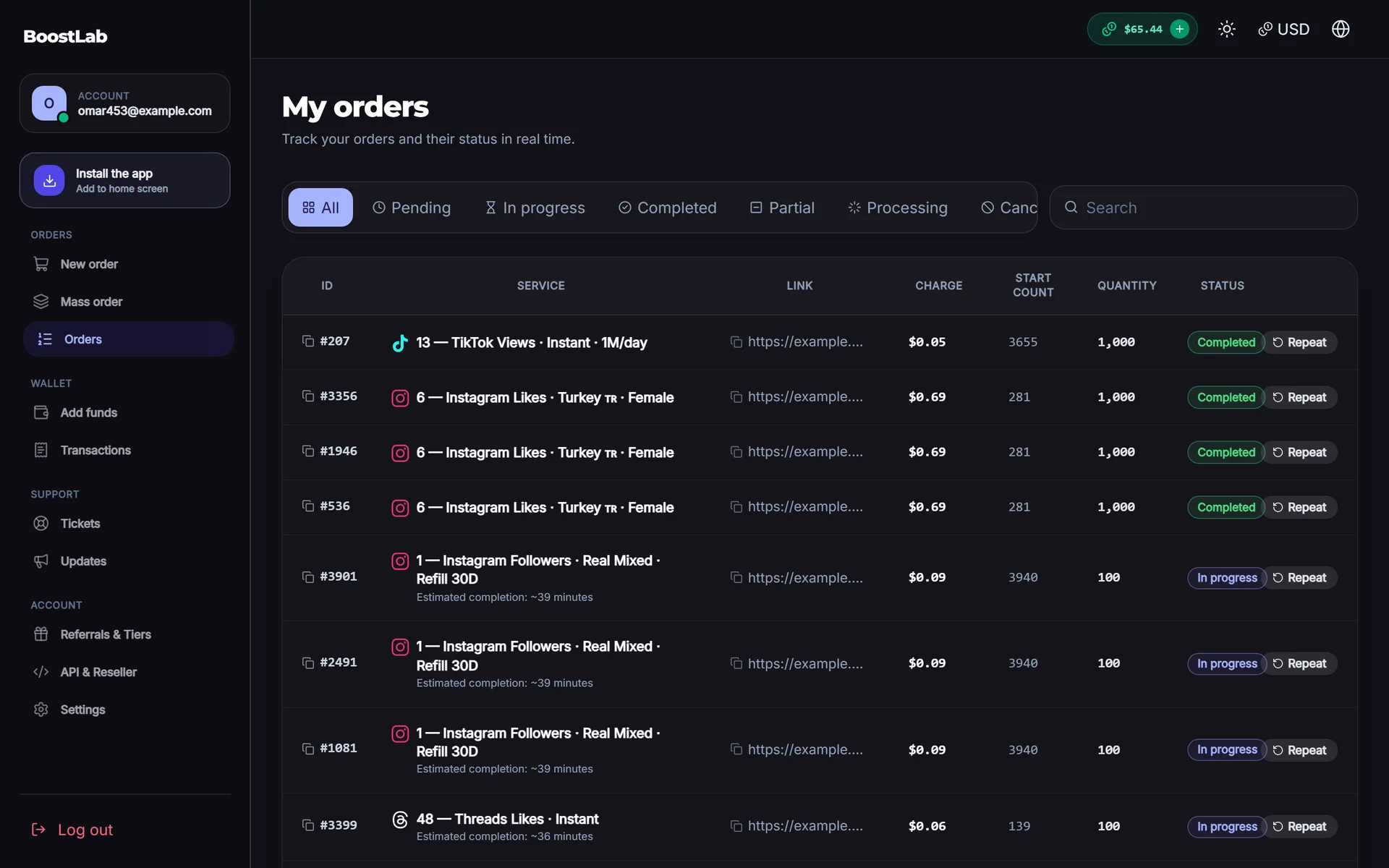
SMM panel order statuses
These are the statuses you'll see in the standard SMM API v2 and in most panel order lists:
| Status | What it means | Can cancel? | Can refill? |
|---|---|---|---|
| Pending | Order accepted, not yet started by the provider | Usually yes | No |
| In progress | Delivery has started | Depends on service | No |
| Processing | Being handled or queued by the provider, often after a sync | Depends on service | No |
| Completed | Full quantity delivered | No | Yes, if the service has refill |
| Partial | Some delivered, the rest refunded | No | Sometimes, for the delivered part |
| Canceled | Stopped before delivery, charge refunded | No | No |
Two things confuse people:
- Processing vs In progress. Panels use these slightly differently. Treat both as "the order is active, wait".
- Status lag. A reseller panel shows what its upstream provider last reported. If a status looks stuck, it may just be waiting for the next sync.
How the SMM API v2 exposes all this
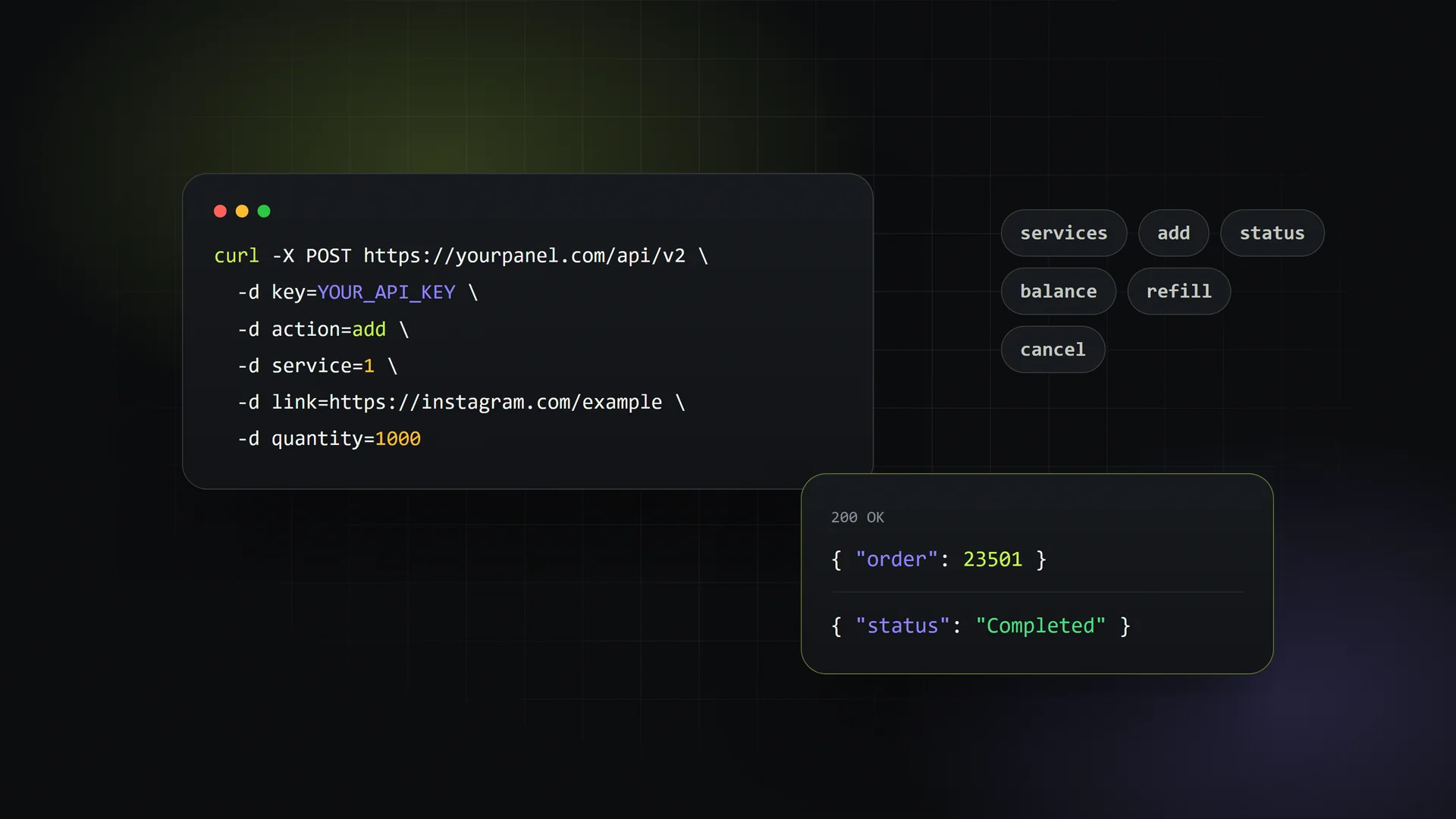
Most panels share the same API shape: a single endpoint that takes POST requests with a key and an action parameter. If you're building a child panel, a bot or a reseller integration, these are the actions you'll use. Full parameter lists are in the API documentation.
action=add (with drip-feed)
A normal order needs service, link and quantity. A drip-feed order adds runs and interval (minutes). The response returns the new order ID.
action=status
Pass order for one order, or orders with a comma-separated list for several at once (commonly up to 100). The response includes charge, start_count, status, remains and currency.
action=refill and action=refill_status
refill takes an order ID and returns a refill ID. You then poll refill_status with that refill ID. Refill statuses are typically Pending, In progress, Completed or Rejected.
action=cancel
Takes orders as a comma-separated list and returns a per-order result: either a confirmation or an error such as "cancel not available for this order".
Example with curl
API="https://yourpanel.example/api/v2"
KEY="your_api_key"

# Drip-feed order: 500 per run, 10 runs, 30 minutes apart
curl -s -X POST "$API" -d key=$KEY -d action=add \
  -d service=102 -d link="https://instagram.com/p/abc123" \
  -d quantity=500 -d runs=10 -d interval=30

# Check status of several orders
curl -s -X POST "$API" -d key=$KEY -d action=status -d orders=1201,1202,1203

# Request a refill, then check it
curl -s -X POST "$API" -d key=$KEY -d action=refill -d order=1201
curl -s -X POST "$API" -d key=$KEY -d action=refill_status -d refill=88

# Cancel orders that haven't started
curl -s -X POST "$API" -d key=$KEY -d action=cancel -d orders=1202,1203
Store the API key server-side. Never put it in front-end JavaScript or share it in screenshots.
Practical tips for panel owners
- Show drip-feed totals clearly. Display
quantity × runsand the estimated finish time on the order form. That cuts down on "I ordered 500 but was charged for 5,000" tickets. - Label refill terms on every service. Put the guarantee period and the "no refill" flag in the service name or description, not only in your terms page.
- Poll in batches. Use multi-order
statuscalls rather than one request per order. - Keep an audit trail. Log start count, status changes and refill IDs. When a customer disputes a drop, that history settles it quickly.
How SMMFor handles this
If you'd rather not build refill queues and status syncing yourself, a hosted panel takes care of it. SMMFor panels support 17 service types including drip-feed and subscriptions, handle refill and cancel requests from inside the panel, and expose the standard SMM API v2 (services, add, status for up to 100 orders, balance, refill, refill_status, cancel), so existing integrations keep working. See the API features or try it with the 3-day free trial and $1 first month on the pricing page.
FAQ
What does drip feed mean in SMM?
Drip-feed means splitting one order into several smaller deliveries (runs) separated by a fixed number of minutes (interval). The total quantity is usually the per-run quantity multiplied by the number of runs.
What is refill in an SMM panel?
Refill is a free top-up of followers, likes or other units that dropped after delivery, available on refill-enabled services within their guarantee period. It's normally requested once the order is Completed.
Why is my order Partial?
The provider delivered part of the quantity and then stopped. The remains value shows how many units weren't delivered, and those are refunded proportionally to your panel balance.
Can I cancel an order that's already in progress?
Sometimes. It depends on whether the service supports cancel after delivery has started. Pending orders are the most reliably cancelable. Completed orders can't be canceled.