
How to Choose an SMM Provider: A Practical Testing Guide
A step-by-step method for testing and choosing your main SMM provider and backups, covering API reliability, drop rates, refills and the red flags to avoid.
Your SMM panel is only as good as the providers behind it. Customers never see your supplier, but they feel every slow start, every sudden drop and every refill that never arrives. When an order goes wrong, it's your panel they blame and your support inbox that fills up.
This guide covers how to pick a main SMM provider and back it up with secondary ones. It's based on how experienced panel owners actually test and compare suppliers, not on anyone's affiliate list. We won't name brands. Providers change quality, prices and ownership too often for a list to stay accurate, so you're better off with a repeatable testing process.
What an SMM provider actually does for your panel
Most SMM panels don't deliver anything themselves. They resell services from upstream providers through an API. When a customer places an order on your panel, it's forwarded to the provider. The provider fulfils it, and your panel picks up status updates such as pending, in progress, completed or partial.
That means your provider controls:
- Delivery quality: whether followers, likes or views look real and stay
- Speed: how quickly orders start and finish
- Refills: whether drops get replaced, and how
- Uptime: whether the API answers when your panel sends an order
- Pricing: your margin depends on their rates
If you're still setting up the business itself, read our guide on how to start an SMM panel business first, then come back here to choose suppliers.
Step 1: Check the API before anything else
The phrase "best SMM panel providers API" hides an important point. A provider with great services but a flaky API will still cost you customers. Before you look at prices, check the integration.
API compatibility
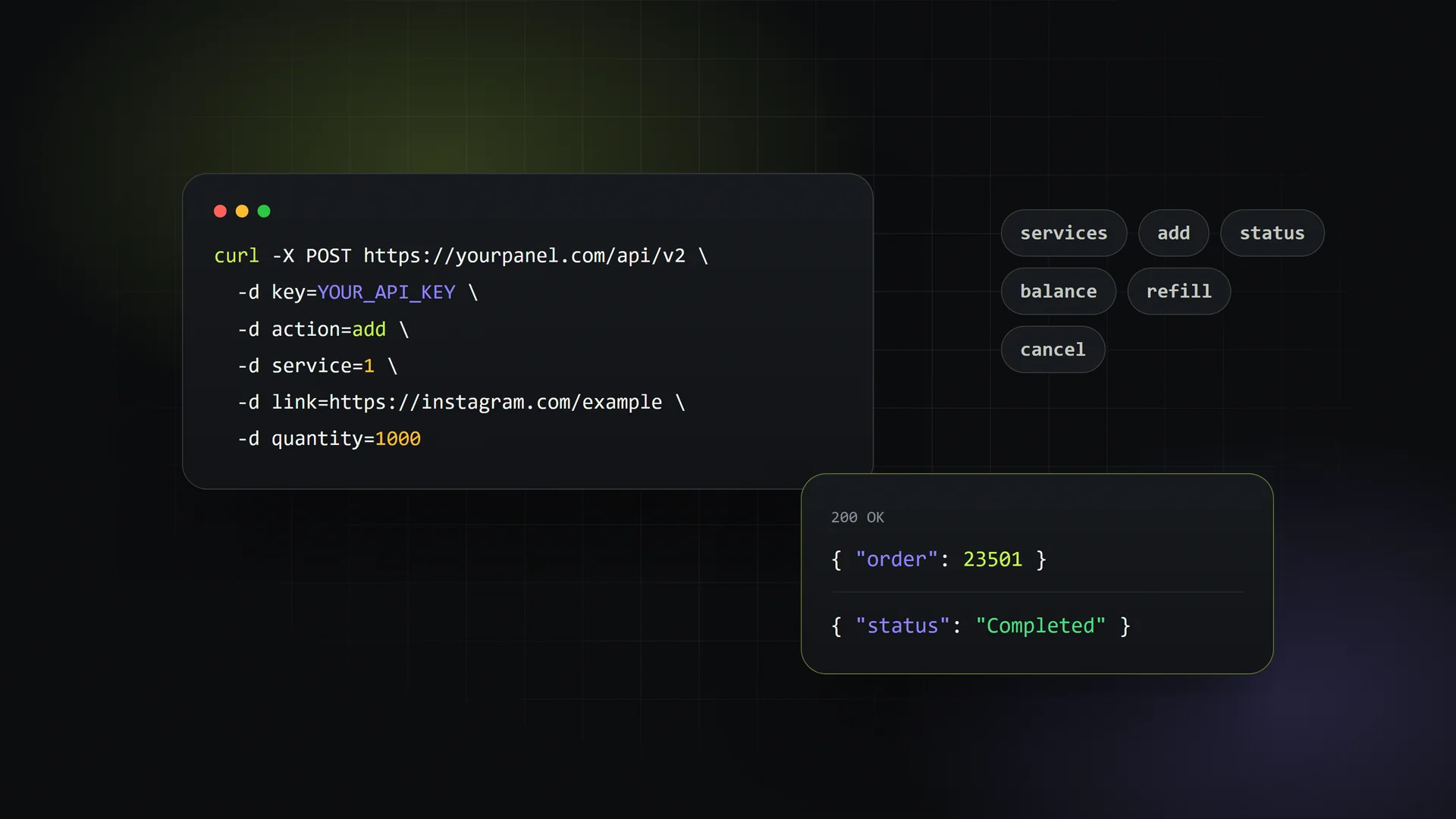
Most panels expect the common SMM API v2 format. A request usually looks like this:
POST https://provider.example/api/v2
key=YOUR_API_KEY&action=add&service=1234&link=https://...&quantity=1000
Standard actions include services, add, status, balance, refill and cancel. Confirm that the provider supports all of them, especially refill and multi-order status checks. Without those you'll be handling refills and status checks by hand.
API reliability signals
- Response time: does the
servicesendpoint load in a second or two, or does it time out? - Error messages: are errors clear (
Not enough funds,Invalid link) or vague? - Consistent service IDs: providers that renumber or delete services without notice will break your listings
- Status accuracy: does the API report partial correctly, with the remaining amount?
Keep a simple log for the first few weeks: failed requests, timeouts and status mismatches. The pattern will tell you more than any sales pitch.
Step 2: Test services with small real orders
Never import a provider's full catalogue and start selling straight away. Test first.
How to run a fair test
- Pick the 10–20 services you expect to sell most, such as Instagram followers, TikTok views and YouTube likes.
- Place the minimum quantity order for each, using test accounts you control.
- Record the start time, completion time and starting count.
- Check again at 24 hours, 7 days and 30 days to measure drops.
- If a drop happens, request a refill and note how long it takes.
What to record
| Metric | What to check | Why it matters |
|---|---|---|
| Start time | Minutes or hours until delivery begins | Customers judge you on the first hour |
| Speed | Units delivered per hour or day | Has to match what your service description says |
| Drop rate | Percentage lost after 7 and 30 days | Drives refill load and complaints |
| Refill behaviour | Automatic, button-based or manual ticket | Decides your support workload |
| Account quality | Profile pictures, posts, plausible names | Affects repeat purchases |
| Status accuracy | API status matches what you see | Wrong statuses mean wrong refunds |
Testing costs a little money, but it costs far less than refunding a hundred unhappy customers.
Step 3: Understand drop rates and refill policies
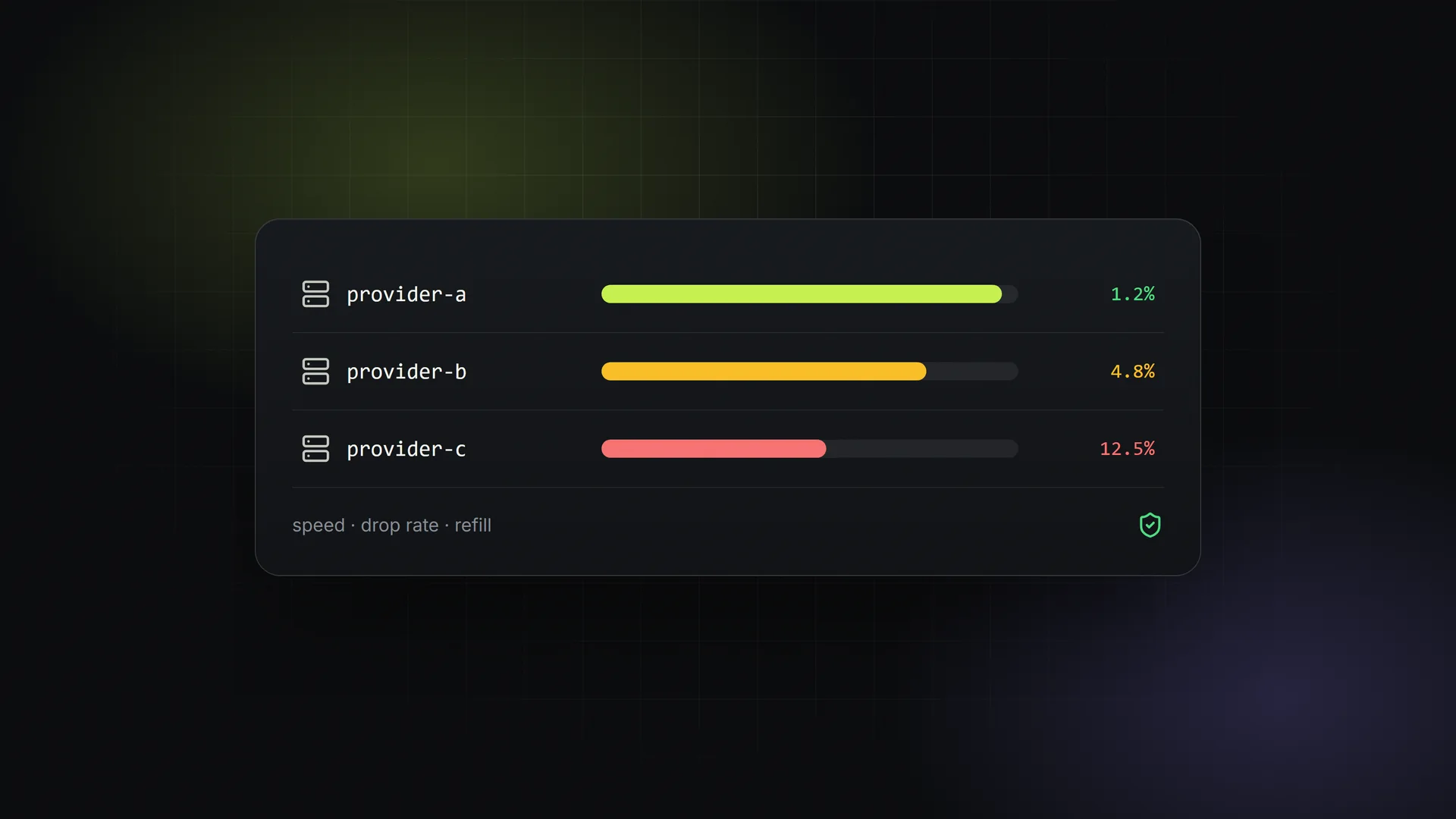
Every follower and like service drops to some degree. Platforms remove inactive or suspicious accounts on a regular basis. The real question is how much drops and what the provider does about it.
Common refill types
- No refill: cheapest, and should be labelled clearly on your panel
- Refill for 30 / 60 / 90 days: the provider replaces drops within that window
- Lifetime refill: often a marketing claim, so test it before you promise it to customers
- Auto-refill: drops are topped up without anyone asking
Read the refill rules closely. Many providers only refill if the count is below the starting count plus ordered quantity, or if the customer hasn't bought from another provider in the meantime. Make sure your own service descriptions say exactly what your provider guarantees and nothing more.
If you promise a 30-day refill but your provider only offers 14 days, the gap becomes your cost.
Step 4: Compare pricing the right way
The cheapest rate per 1,000 is rarely the cheapest option once refunds and support time are counted. When you compare providers, look at:
- Effective cost: rate plus the expected cost of refunds and refills
- Minimum deposit: some providers require large top-ups before you can test
- Payment methods: can you fund the account easily and safely?
- Price stability: frequent unannounced price increases eat your margin
Set your selling prices with room for the occasional bad batch. A healthy margin is what lets you refund generously when something goes wrong.
Step 5: Always have backup providers
Relying on a single provider is the most common mistake new panel owners make. Services get disabled, APIs go down, and providers sometimes vanish completely.
A practical provider structure
- One main SMM provider for most of your volume, chosen through testing
- One or two backup providers for your top-selling services, already tested and funded
- Niche providers for specific platforms or services your main provider handles poorly
Keep a small balance with each backup so you can switch quickly. When the main provider disables a service or quality drops, you only change the mapping. You don't have to rebuild your catalogue.
Red flags to watch for
Leave, or at least keep only a minimal balance, if you see these signs:
- Unrealistic promises: "real active followers" at a price that only fake accounts could support
- No refund or partial handling: orders stuck at in progress for weeks
- Support that disappears once you've deposited
- Frequent service ID changes without announcements
- Pressure to deposit large amounts before you can test
- Fake reviews or copy-pasted testimonials across forums
- No clear terms of service, or terms that change without notice
- Statuses that don't match reality, such as orders marked completed when nothing was delivered
Also remember the platforms themselves. Growth services can break the terms of service of social networks, and accounts can be affected. Be honest with customers about this, and avoid services that ask for account passwords.
Step 6: Keep re-testing
Providers change. A service that worked perfectly in spring can get worse by summer. Build a light monitoring routine:
- Re-test your top services every month with small orders
- Watch your refund and refill ticket rates per service
- Read customer complaints as data, because they're often the first sign a provider is slipping
- Review your provider mix every quarter
Making provider management easier
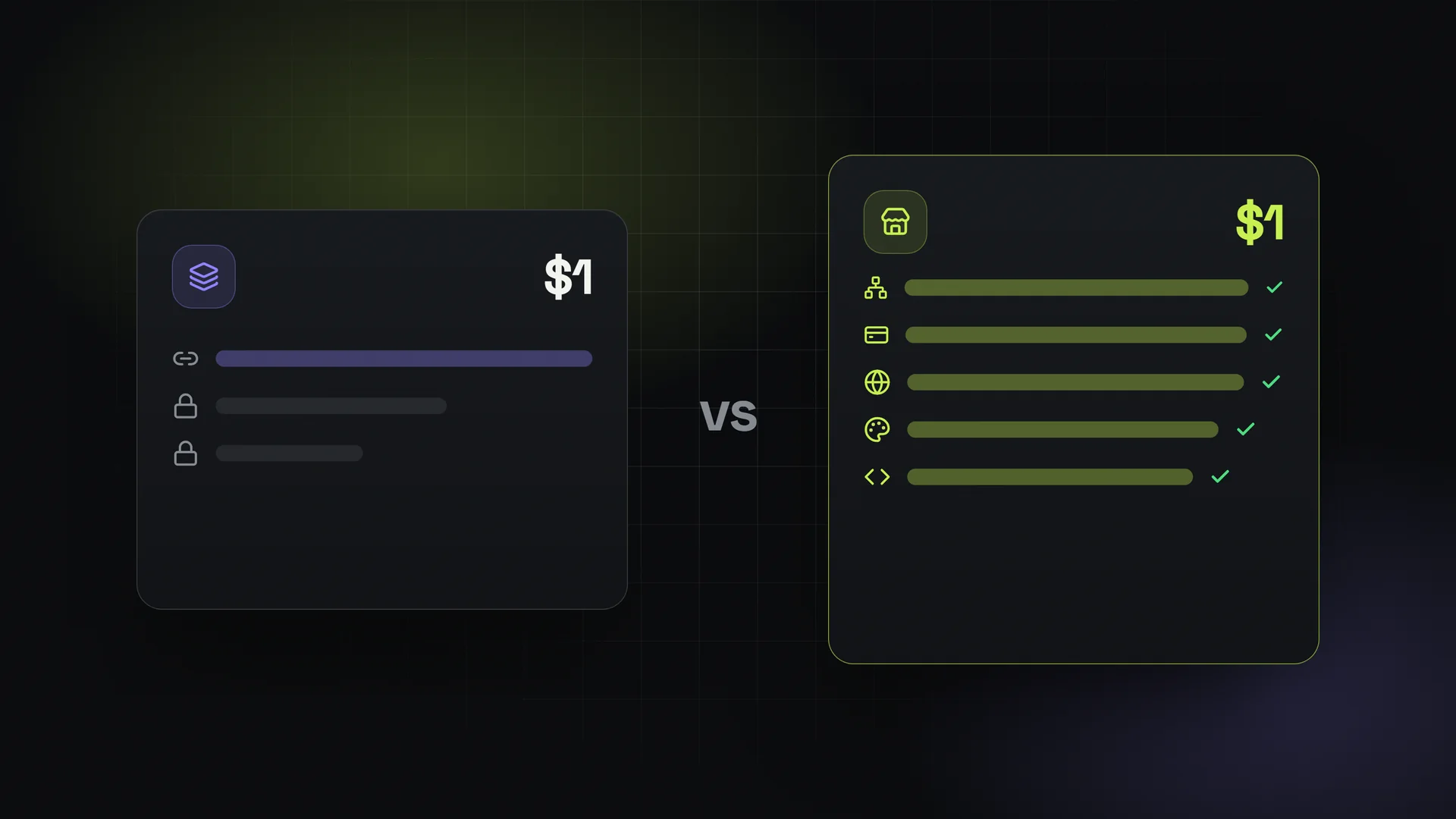
Your panel software matters too. With SMMFor's SMM panel rental, you can connect any provider that supports SMM API v2, and services sync automatically. That makes adding a backup provider or switching a service much less painful. The API features page explains how the integration works. Plans are flat monthly with unlimited orders and no commission on your sales, and there's a 3-day free trial that doesn't need a card (then $1 for the first month), so you can test providers and your setup before you commit.
FAQ
How many SMM providers should I use?
Most panels do well with one main provider and one or two tested backups for their best-selling services. More than that becomes hard to monitor, and fewer leaves you exposed if a provider goes down.
What is a normal drop rate for followers?
It varies a lot by platform and service type, so there isn't one honest number. Measure it yourself with test orders at 7 and 30 days, and price your refill guarantee based on what you actually see.
Is the cheapest provider a good choice?
Only if your testing shows acceptable drops, working refills and a reliable API. Cheap services that need lots of refunds usually end up costing more.
Can I connect any provider to my panel?
If the provider offers a standard SMM API v2 endpoint and your panel software supports it, yes. You'll need their API URL and your API key, and then you map their services to yours.
What should I do if my main provider goes down?
Switch your top services to a pre-tested backup provider, tell customers about any delays, and refund stuck orders promptly. Having backups funded in advance is what makes this quick.