
What Is an SMM Panel? Meaning and How It Works
A plain-English guide to SMM panels: what they are, how orders move through the provider supply chain, and what to check before buying from or starting one.
If you have spent any time around social media marketing, you have probably seen the term "SMM panel" in ads, Telegram groups or forum threads. It sounds technical, but the idea is simple. This guide explains what an SMM panel is, how the ordering process works behind the scenes, who uses these panels, and what you should know before you buy from one or start your own.
What is an SMM panel?
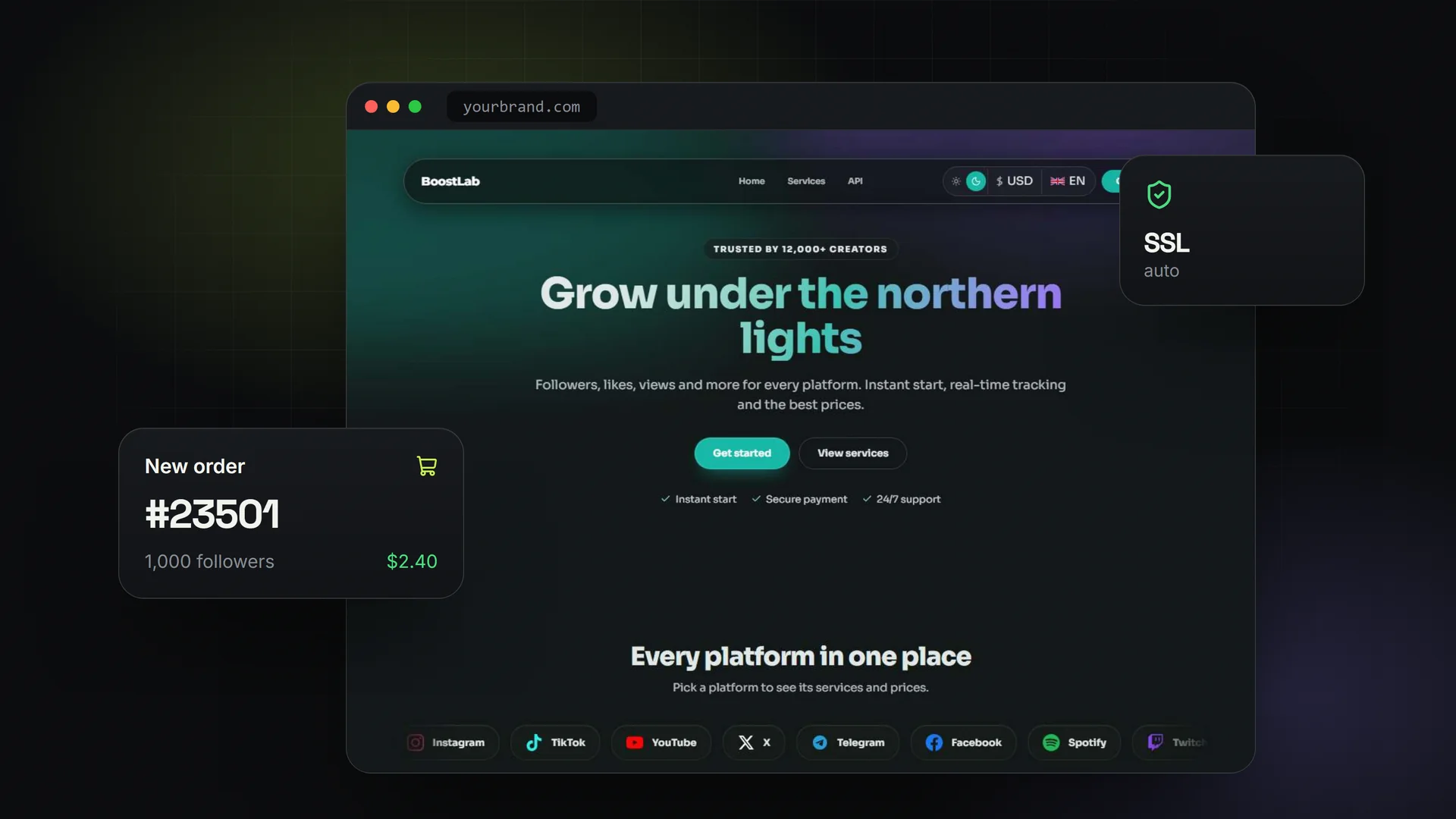
An SMM panel (social media marketing panel) is a website where customers can buy social media services in bulk: followers, likes, views, comments, shares, subscribers, plays and similar engagement for platforms such as Instagram, TikTok, YouTube, X, Telegram, Spotify and others.
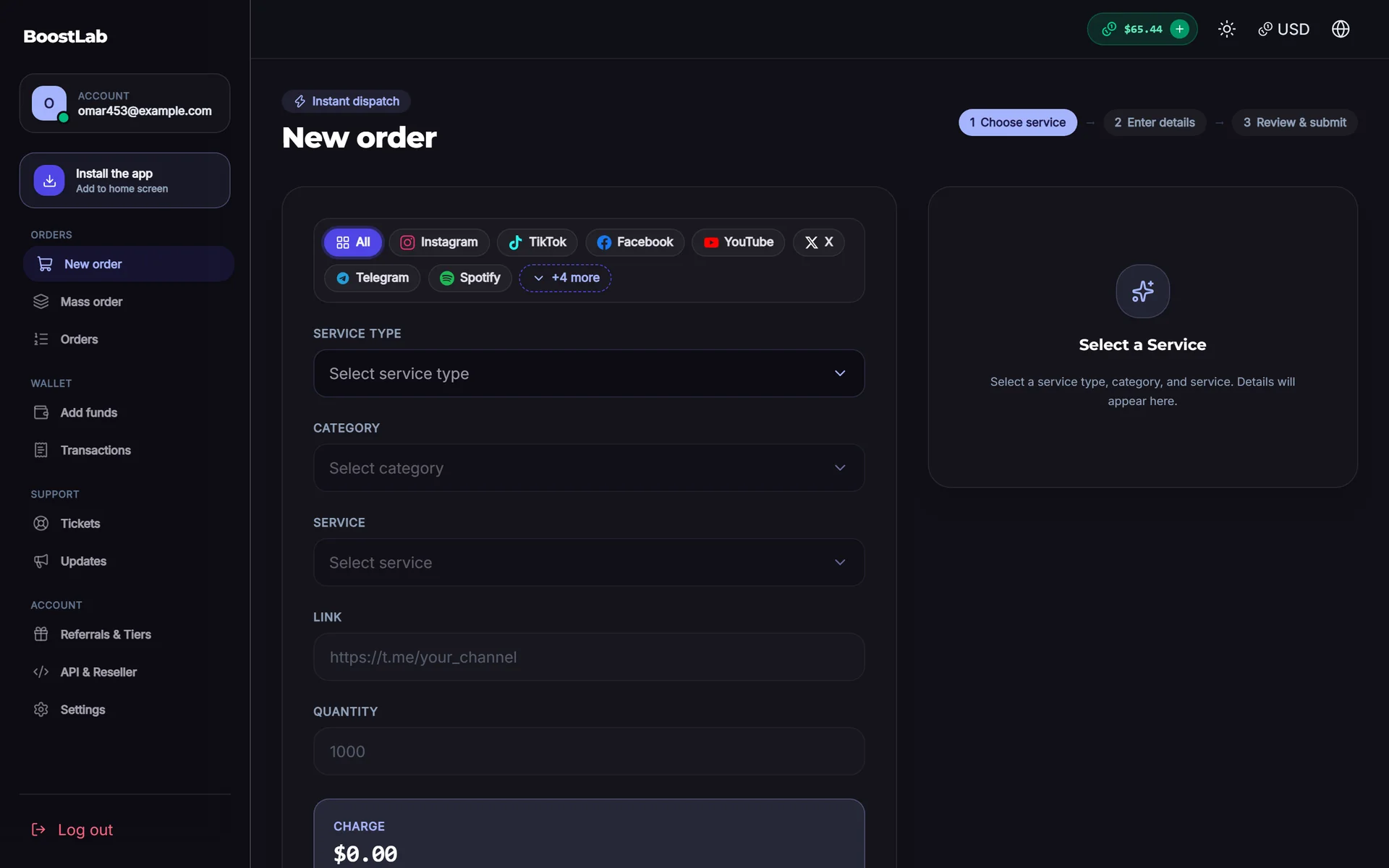
The customer picks a service, pastes a link or username, enters a quantity and pays from a prepaid balance. The panel then forwards the order to a supplier that actually delivers it. The customer sees a status like Pending, In progress, Partial or Completed and can usually track the start count and remaining quantity.
In short, the SMM panel meaning is: a self-service storefront plus an order-routing system for social media engagement services.
Why are they called "panels"?
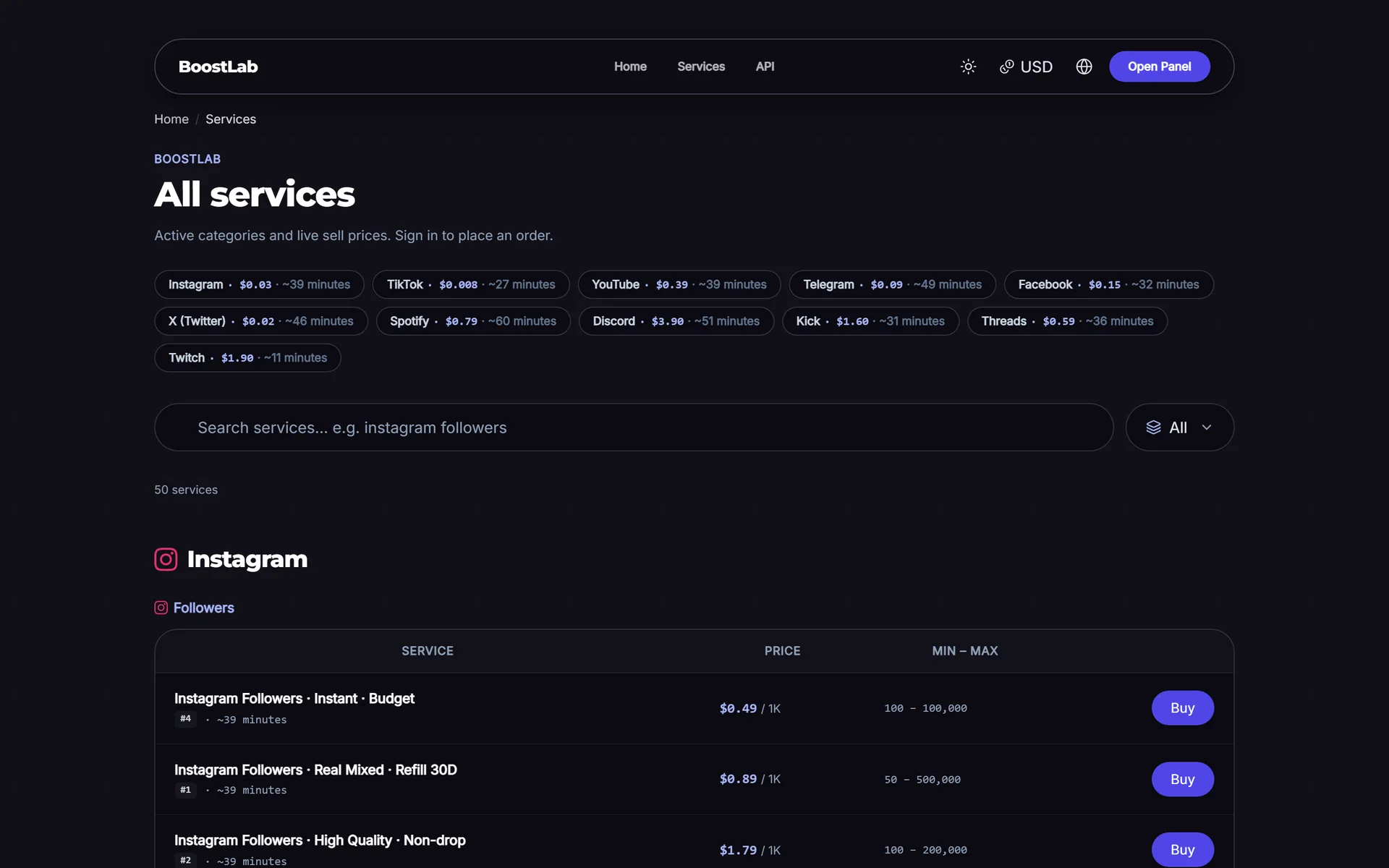
The name comes from the dashboard-style interface. Instead of a classic online shop with product pages, an SMM panel is a control panel: a service list with prices per 1,000 units, an order form, an order history, a balance page and a support ticket area. Many panels also offer an API so that other businesses can place orders automatically.
How SMM panels work
Most panels you see online do not produce the engagement themselves. They are part of a supply chain. Understanding that chain is the key to understanding how SMM panels work.
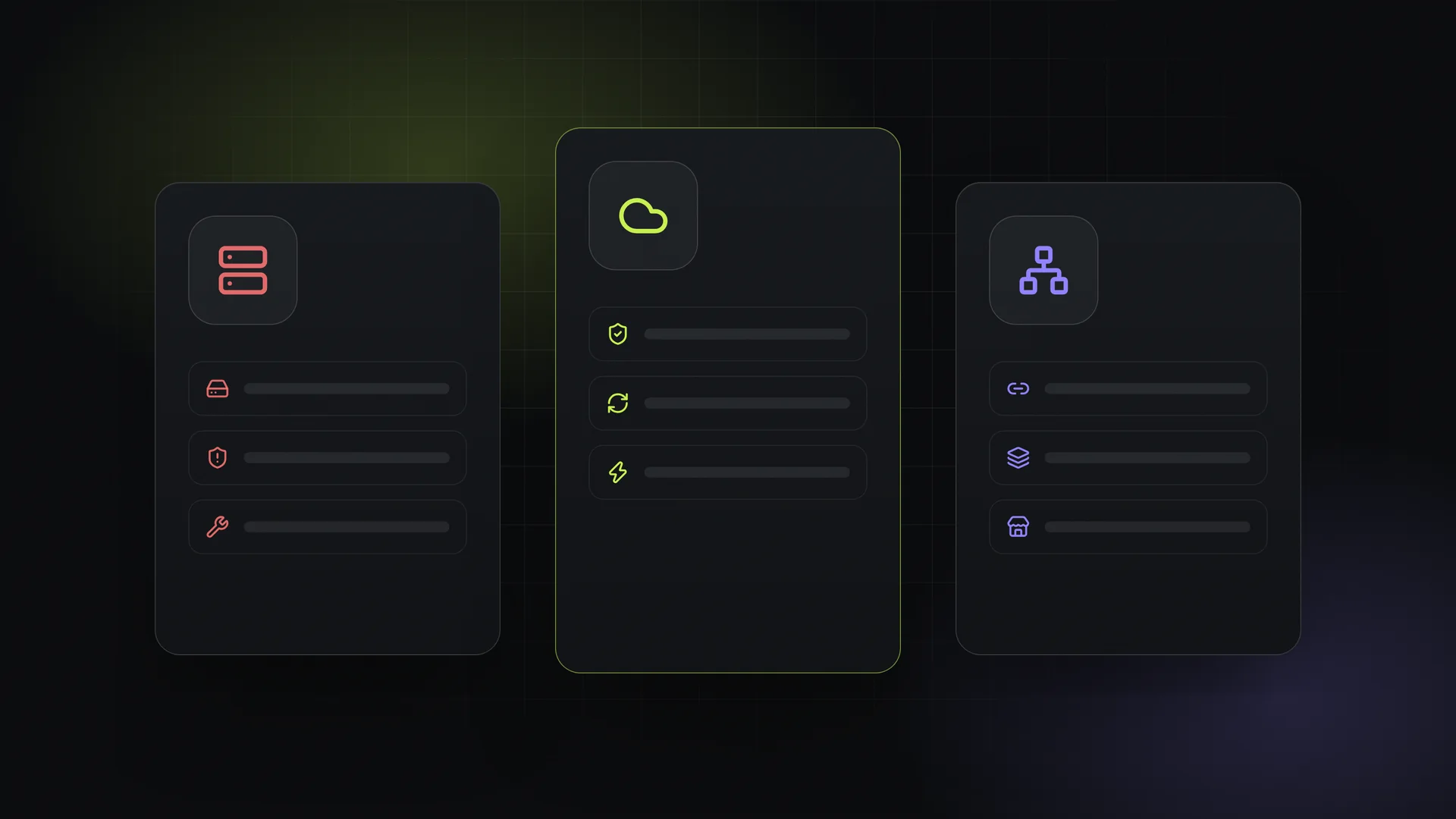
The supply chain
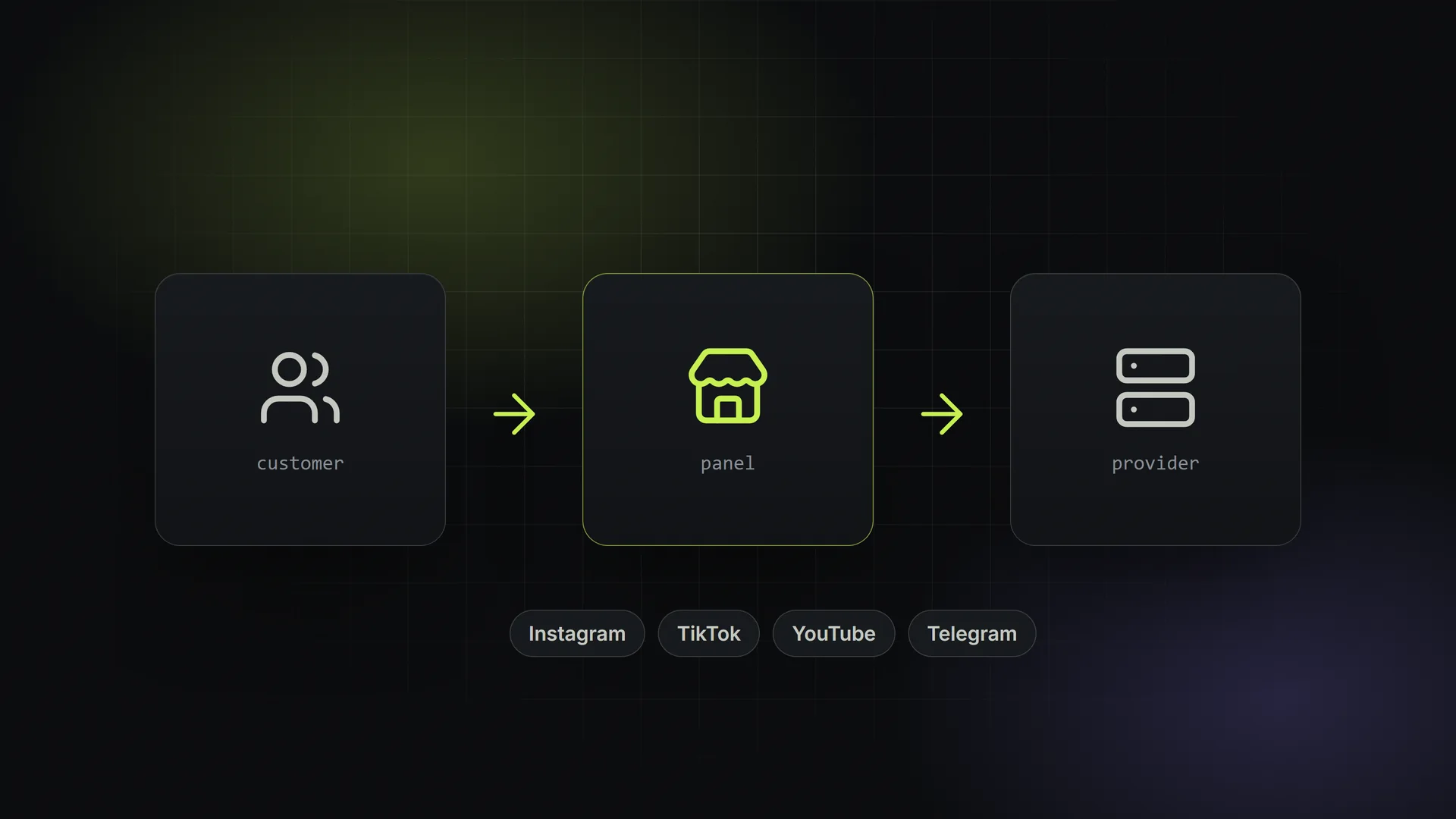
- Providers (wholesalers). At the top are large panels that run or source the actual delivery capacity. They sell services at wholesale rates and expose them through an API.
- Resellers (your typical SMM panel). A reseller connects one or more providers to their own panel via API, imports the services, adds a markup and sells them under their own brand.
- Sub-resellers and child panels. Some resellers let other people open their own panels on top of theirs, so the chain can have several levels.
- End customers. Influencers, small businesses, agencies, freelancers and other resellers who place orders.
What happens when someone places an order
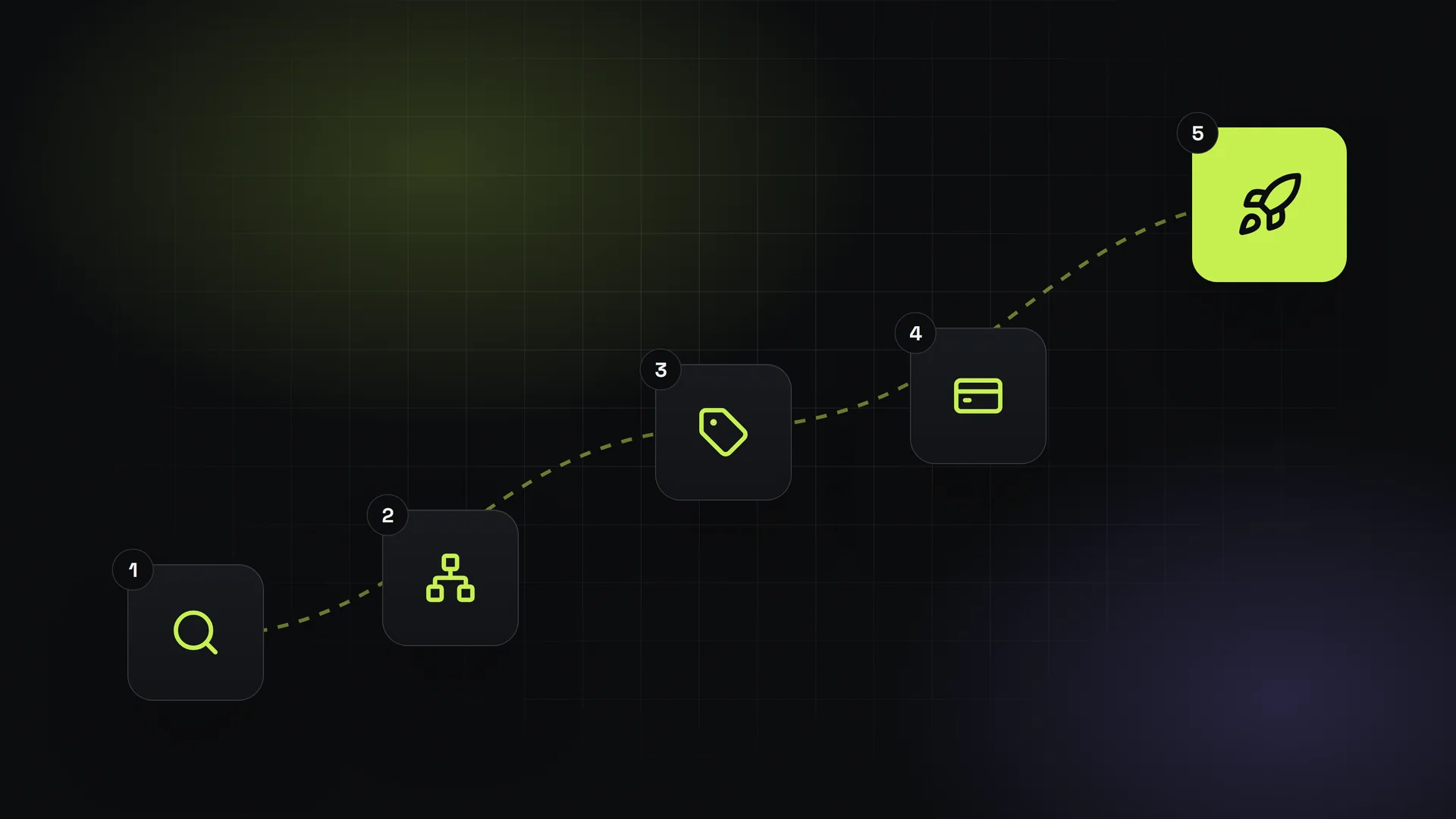
Here is the typical flow, step by step:
- The customer adds funds to their balance through a payment gateway (card, PayPal, crypto, local methods).
- They choose a service, for example "Instagram Likes - Real-looking, 30-day refill", enter the post link and quantity.
- The panel checks the balance, deducts the charge and creates the order.
- The panel sends the order to the provider through the provider's API, receiving a provider order ID in return.
- On a schedule, the panel asks the provider for the status of each open order and updates it in the customer's dashboard.
- If the provider returns a partial delivery or cancels, the panel refunds the undelivered portion to the customer's balance.
- If the service has a refill guarantee and the count drops, the customer can request a refill, which is also passed to the provider.
Most of this is automated. A well-run reseller panel spends its time on pricing, choosing reliable providers, customer support and marketing, not on manually processing orders.
The SMM API standard
The glue of the industry is a simple, widely copied API format, often called SMM API v2. A request contains a key, an action and parameters. A typical order request looks like this:
POST https://provider.example/api/v2
key=YOUR_API_KEY
action=add
service=1024
link=https://instagram.com/p/xxxx
quantity=1000
Other actions include services (list services and rates), status (check an order), refill and balance. Because almost every panel speaks this same format, a reseller can switch providers or connect several at once with little effort. If you want to see what this looks like in practice, our API documentation overview shows the standard endpoints.
What an SMM panel typically includes
| Component | What it does |
|---|---|
| Service catalog | Lists services by platform and category, with price per 1,000, min/max quantity and description |
| Order system | Accepts single and mass orders, tracks status, handles partials and refunds |
| Balance and payments | Lets users top up through payment gateways and keeps a transaction history |
| Provider integration | Connects to upstream providers via API and syncs services and statuses |
| Reseller API | Lets other businesses or panels place orders automatically |
| Support tickets | Handles questions about delays, refills and cancellations |
| Admin area | Pricing rules, user management, reports, provider balances |
Who uses SMM panels?
- Content creators and influencers who want an initial push on new posts or channels.
- Small businesses testing whether extra visibility helps a campaign.
- Digital marketing freelancers and agencies that bundle engagement into larger social media packages.
- Resellers who buy from one panel and resell through their own, often to a local audience in their own language and currency.
What SMM panels are not
It is worth being honest here. Purchased engagement does not create real customers on its own, and it does not replace good content. Major platforms restrict artificial engagement in their terms of service, and low-quality services can drop over time or, in some cases, put an account at risk. Responsible panel owners describe service quality clearly, avoid misleading claims, and make sure their customers understand what they are buying.
Types of services and quality levels
Not all services in a panel are equal. When you browse a service list, you will typically see differences in:
- Speed: how many units per day are delivered and how fast the order starts.
- Quality: from basic, obviously automated accounts to higher-quality or targeted delivery.
- Refill guarantee: whether drops are replaced for a set period (for example 30 days) or not at all.
- Targeting: some services offer country or language targeting, usually at a higher price.
These details matter more than the headline price. A cheap service with high drop rates often costs more in support time and refunds than a slightly more expensive, stable one.
Buying from a panel vs. running your own
There are two very different ways to "use" an SMM panel.
As a customer
You sign up, add funds and order. Your main concerns are reliability, transparent descriptions, refill policies and responsive support. Start with small test orders before spending larger amounts.
As a panel owner
You run the storefront and earn the difference between your selling price and the provider's cost. Your work shifts to provider selection, pricing, payment methods, customer support and marketing. If this is what interests you, our guide on how to start an SMM panel business walks through the practical steps, and the companion article on SMM pricing explains how margins are built.
To run a panel, you need three things: the panel software, at least one provider connection, and a way to accept payments. You can buy and host a script yourself or rent a hosted panel. Each option has trade-offs in cost, maintenance and security; we compare them in detail in script vs. rental.
How to evaluate an SMM panel
Whether you are buying or choosing a provider for your own panel, check these points:
- Clear service descriptions with start time, speed, drop expectations and refill terms.
- Small test orders before committing a large balance.
- Support response time on a real ticket.
- Refund behaviour on partial or canceled orders.
- Payment options that suit you, and clear fees.
- A working API if you plan to resell.
Where SMMFor fits
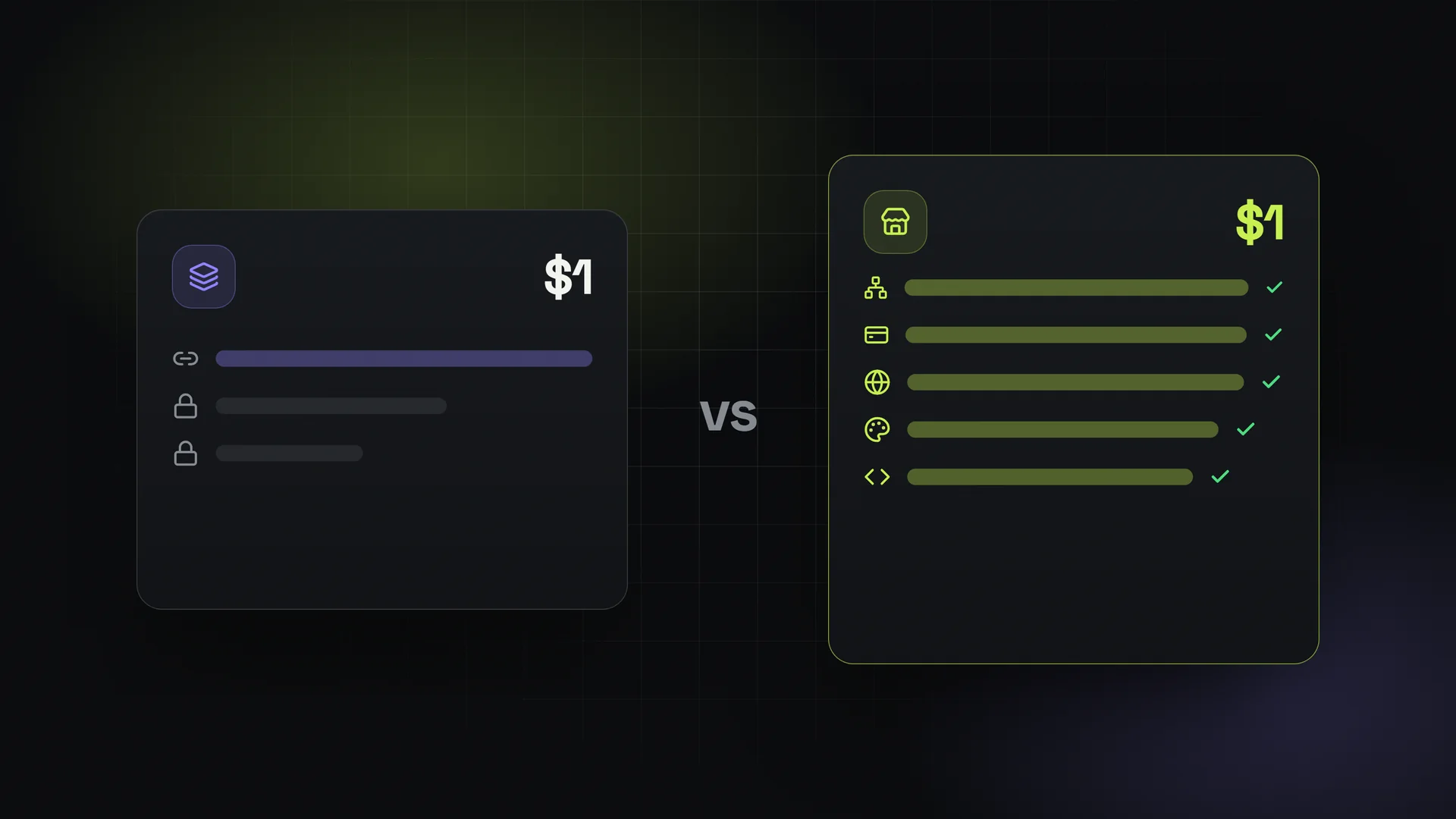
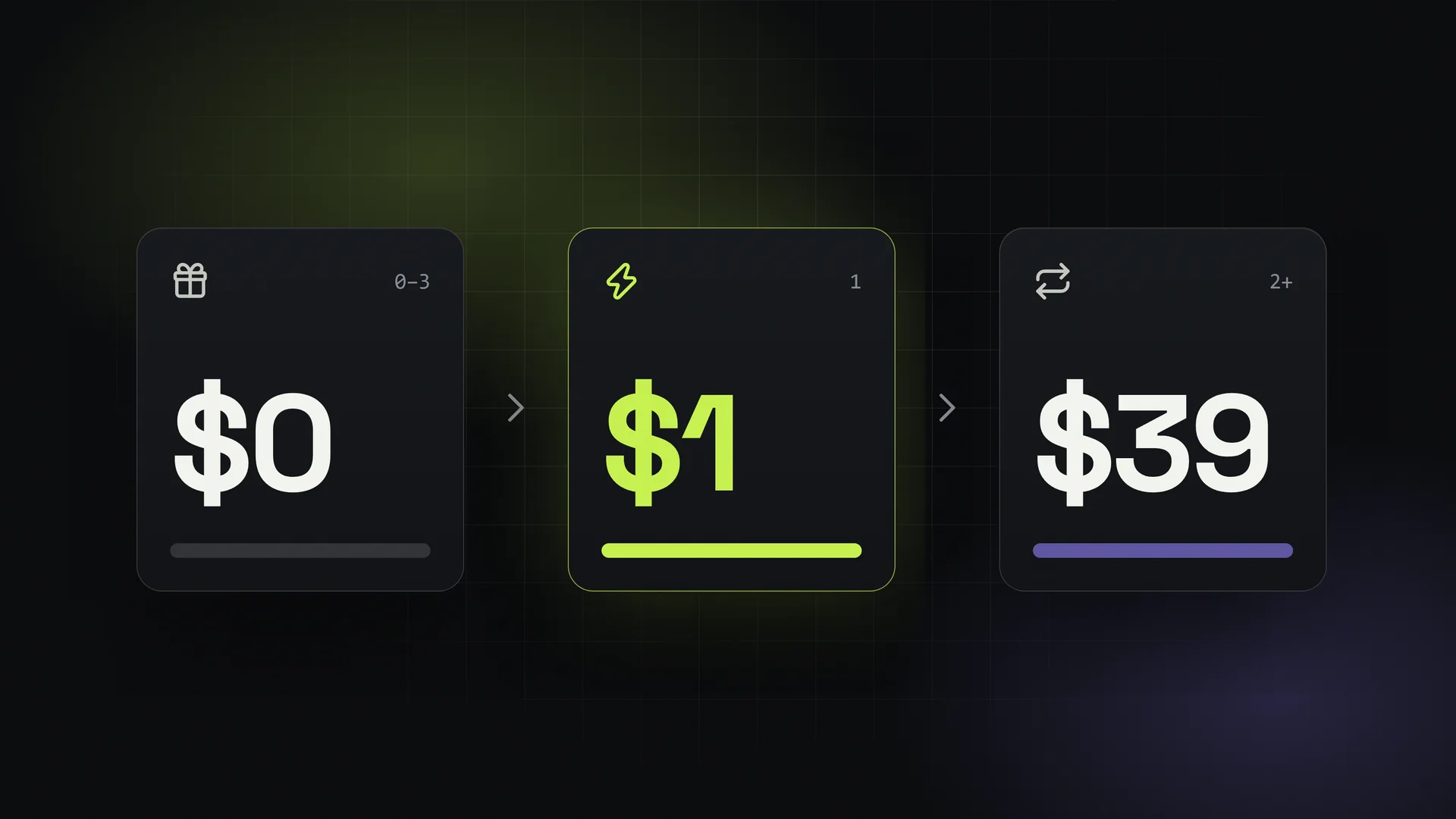
SMMFor is a hosted platform for people who want to run their own white-label panel without managing servers or buying a script. You connect any provider that supports SMM API v2, services sync automatically, and you can accept payments through 17+ gateways including Stripe, PayPal and crypto options. Plans are flat monthly with unlimited orders and no commission on your sales, and there is a 3-day free trial, then $1 for the first month. You can read more on the SMM panel rental page.
FAQ
What does SMM stand for?
SMM stands for social media marketing. An SMM panel is a platform that sells social media marketing services, mostly engagement such as followers, likes and views.
Are SMM panels legal?
Running a website that resells digital services is generally legal, but the services themselves may conflict with the terms of service of social platforms. Laws on consumer protection, payments and taxes also apply to panel owners. Check the rules in your country and be transparent with customers.
Do SMM panels deliver real followers?
It depends on the service. Panels sell a range of quality levels, and many services are not from active, real users. Read service descriptions carefully and test with small orders.
What is an SMM panel API?
It is an interface, usually following the SMM API v2 format, that lets software place orders, check status and request refills automatically. Resellers use it to connect their panel to providers.
Can I start my own SMM panel without coding?
Yes. Hosted panel platforms let you set up a branded panel, connect providers and accept payments without writing code. You still need to handle pricing, support and marketing.